appnext

Senin, 01 Juli 2019

What is Gmail Confidential mode?

Best answer: Confidential Mode is a feature built into the Gmail mobile app that gives you better control over emails containing sensitive or personal information. You're able to set emails to expire after a set amount of time, require SMS passcode verification to open the message, or you can go in and revoke someone's access to an email.

Protect your sensitive emails

It can be tricky enough keeping your own email accounts secured and protected let alone worrying about the account security of everyone in your email address book. How often do we hear about major data breaches that left account details and login information exposed to hackers and scammers? Far too often.

Google's Confidential Mode is designed to empower the sender to protect any sensitive information that might be contained in their email by setting it to self-delete after a set amount of time, or requiring two-step authentification for access to the email. You can find the Confidential Mode settings in the dropdown menu when you go about composing an email using the Gmail mobile app. The feature is available for both personal and business Gmail accounts, although the feature will need to be activated by the G Suite admin.

When should you use Confidential Mode?

Realistically, Confidential Mode isn't going to be a feature you bother with 90% of the time, but it's definitely worth knowing its there for any instance where you're including a password or other sensitive information such as your social insurance number or anything else you wouldn't want to be casually archived in someone else's email account.

Remember: it's not about whether you trust the person you're emailing, it's a matter of protecting your data from being exposed by hackers sometime in the future.

Confidential Mode also prevents the user from forwarding or copying out the contents of the email, although it's worth noting that there's nothing stopping the recipient from simply taking screenshots of the email. If you ever feel the need to revoke a recipient's access to a confidential email, you can do so at any time by finding it into your Sent mail folder and tapping the Revoke Access button.

More than extra storage

Google One Subscription

From $2/month at Google

Upgrade for a premium Google experience.

Google One is a subscription service that offers extra Google Drive storage for your emails and photos. It also lets you share your storage with your family members and grants 24/7 support for all your Google products and services along with other membership benefits.

Anker Powerline+ C to C 2.0 Cable (6 ft)
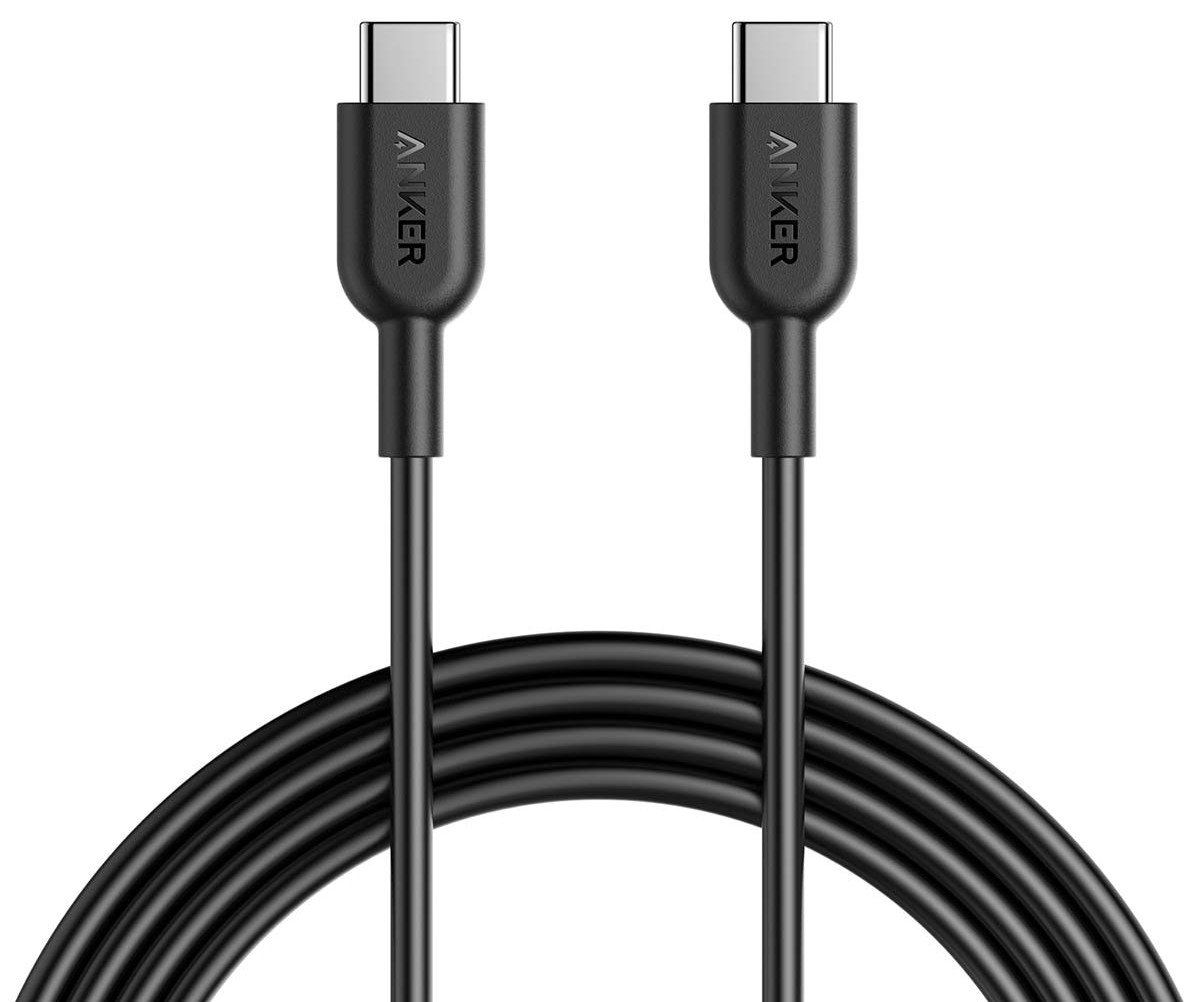
$13 at Amazon

Keeping your phone plugged in while traveling is a constant pain, but a nice long USB cable can alleviate some of the stress of using those hard-to-reach outlets. Anker's cables are robust, and this six-foot example is a great travel companion.

Anker PowerCore 10000 USB-PD battery pack

$46 at Amazon

When you're traveling you don't want anything to slow you down, so make sure you have a portable battery back that charges your phone quickly. This Anker 10000mAh pack supports 18W USB PD and it's incredibly light.

AUKEY CC-Y12 18W PD Car Charger
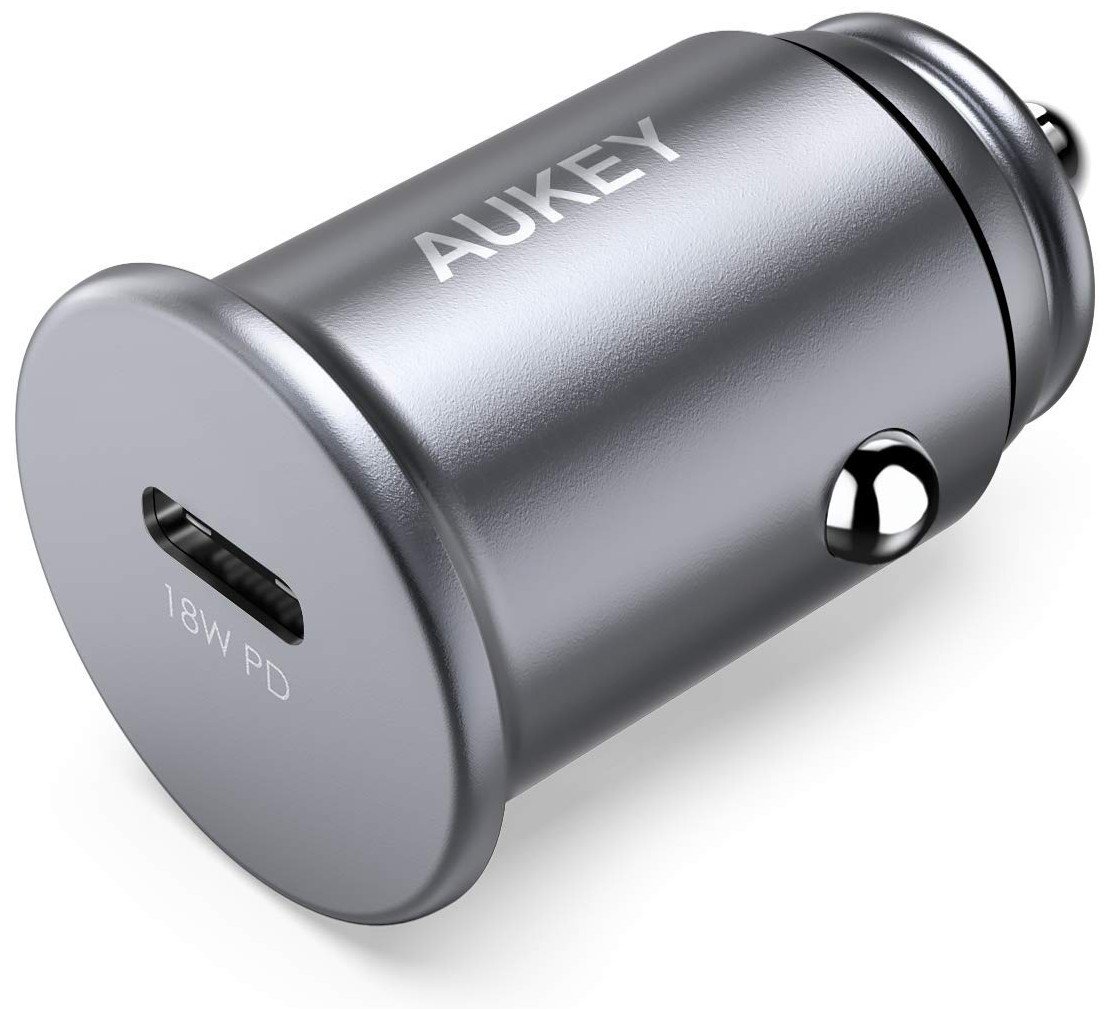
$17 at Amazon

This is a super-compact USB-C car charger you can plug in and forget it's there until you need to charge your phone at top speed. Isn't that handy?

What Android tablet do you recommend buying in 2019?

Checking in with the AC forums!

It's no surprise to anyone that Android tablets are a lot less popular in 2019 than they used to be a few years ago. However, while they might be fewer and further between, that's not to say that they're completely dead.

After being asked which tablet they should buy, one AC forum member was met with quite a few responses.

B. Diddy
06-29-2019 01:51 PM

I customarily recommend the Lenovo Tab 4 8", which retails for $129, but can often be found as a refurb for around $90 (like here: computers.woot.com/offers/lenovo-tab-4-8-16gb-wifi-tablet?ref=w_cnt_lnd_cat_pc_6_15). Decent performance, microSD slot (which supports Adoptable Storage), nice bright screen (only 720P, but not a big deal on an 8" screen), surprisingly good front-firing stereo...

Reply
tube517
06-30-2019 02:59 PM

I like the Lenovo 4 8 as well. Solid tablet and handles what I want it to do. Netflix, browsing forums, book reader. And Dolby for music (and streaming w/headphones) is just a big plus. I didn't have a good experience with Asus. I had a memopad and it went dead after a year.

Reply
v1ru5879
06-30-2019 08:55 PM

I think I will go with the Lenovo from what I have heard and read. Looks fairly easy to replace a battery if needed. That is one plus on the tab pro is that it's not glued together like most new devices

Reply

Now, we want to hear from you! What Android tablet do you recommend buying in 2019?

Join the conversation in the forums!

3 things I would change about the OnePlus 7 Pro

There's no such thing as a perfect phone.

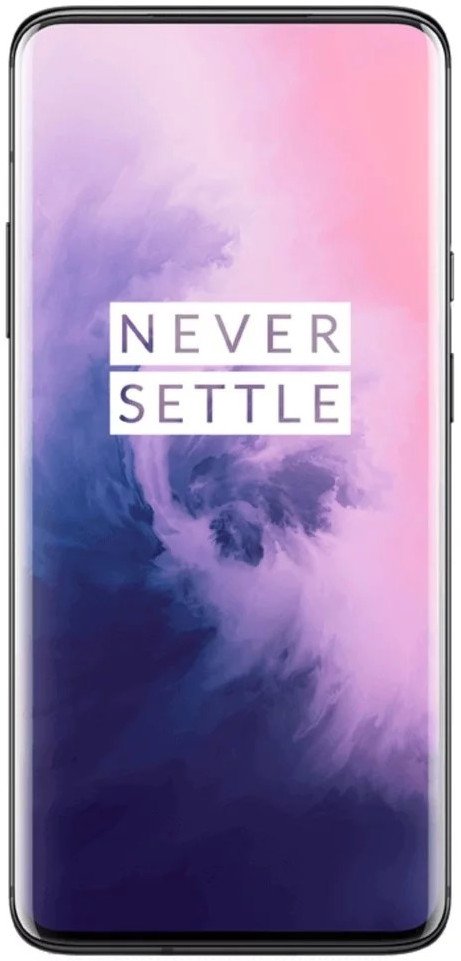
The OnePlus 7 Pro is currently my go-to Android phone. I talked about this last week, explaining why I ditched my Galaxy S10 in favor of it. OnePlus knocked it out of the park this year, offering a device with a jaw-dropping display, insane performance, and some of the best software on the market.

That said, I wanted to take this week to look at the OnePlus 7 Pro under a different lens. It's still a fantastic phone and one I see myself using for the foreseeable future, but just like every gadget that's released, it is not perfect.

There's not a whole lot I dislike about the OnePlus 7 Pro, but if I could change these three things, it'd make my experience using it that much better.

It's too big and heavy

The OnePlus 7 Pro is a big phone. In fact, it's probably the most unwieldy one I've used in quite some time. It weighs a hefty 206g and measures in at 162.6mm tall. For comparison sake, the much more reasonably-sized Galaxy S10 is 157g with a height of 149.9mm.

Those are noticeably different numbers on paper, and in real-world use, the 7 Pro often feels like too much. I appreciate how big and bezelless the display is, but when you combine that with the incredible height, it makes reaching the top area of the screen an impossible feat in one hand. And if you try to perform finger gymnastics to reach it with your thumb, you're bound to drop it thanks to the sheer heft of the device.

I appreciate some weight to my phones as it makes them feel substantial and well-made, but 7 Pro weighs just a little too much for my personal preference. It's nothing that prevents me from using the phone, but it is the only device I have at the moment that makes me consciously aware of just how heavy it really is.

There's been a push towards big, beefy phones for quite a few years now, but I wouldn't be upset at all if OnePlus chose to go with a shorter, more compact profile with the 7T and 8.

No curved edges on the display

One of my favorite things about the OnePlus 7 Pro is its display. The AMOLED panel looks fantastic, the upgrade to Quad HD makes everything sharper than ever, and the 90Hz refresh rate has ruined every other phone for me.

Despite all of that praise, there's one aspect of it that I cannot stand — the curved edges.

Like Samsung, Huawei, and other OEMs before it, OnePlus decided to curve the glass on either edge of the 7 Pro's display. This makes the phone look aesthetically pleasing and like a truly high-end piece of tech, but in real world use, it does more harm than good.

If I'm in an app trying to scroll or swipe, it often doesn't work because part of my skin is touching the curved edge and registering that as a touch and not my finger. I usually have YouTube videos playing on my phone while I'm doing chores around the house, but if I go to pick up the 7 Pro while the screen is on, 9 times out of 10 I skip to the next video because there's no right way to pick up the phone from a table or other flat surface without touching some part of the display.

Don't get me wrong — curved displays can look incredible in the right situations, but at the end of the day, I'd much rather stick with something flat.

Wireless charging

Being at AC for a little under two years, I quickly learned that a lot of you couldn't care less about wireless charging. That's totally fine, but for me, it's something I use and rely on every single day. I have multiple wireless chargers placed throughout my apartment and have gotten in the habit of throwing down whatever phone I'm using onto one and having it top up.

With the OnePlus 7 Pro, that's not something I can do.

OnePlus has defended its decision to not include wireless charging, saying that it doesn't want to offer the feature until it's as fast as its wired Warp Charge system, but for a phone that starts at $669 and goes all the way up to $749, it's ridiculous that wireless charging isn't present at all.

I have to imagine that this is a feature OnePlus finally offers in the next generation or two of its phones, but the fact that it's not here on the 7 Pro is a shame.

What would you change?

Those are the few things about the OnePlus 7 Pro that bug me the most, but now I want to hear from you. What about the phone would you change? Would you add a proper IP rating for dust/water resistance? Maybe the option to have expandable storage? Whatever it is, sound off down below!

5 reasons why I ditched the Galaxy S10 for the OnePlus 7 Pro

Get More OnePlus 7

OnePlus 7 Pro

From $670 at OnePlus

OnePlus accidentally sent garbled notifications to OnePlus 7 Pro users

Owners of the vanilla OnePlus 7 did not receive any such push notification.

What you need to know

  • OnePlus 7 Pro owners started receiving garbled push notifications earlier today, causing both confusion and alarm.
  • OnePlus has apologized for the spam notifications and confirmed that they were accidentally sent by the OxygenOS team during an internal test.
  • The company has initiated an investigation already and will share more information soon.

Quite a few OnePlus 7 Pro owners were left puzzled on Monday after they received weird push notifications from OnePlus. As can be seen in the tweet below, one of the messages had garbled Latin alphabets while the other one consisted of garbled Chinese characters.

OnePlus has issued a statement confirming that the push notifications were sent out accidentally during an internal test by the OxygenOS team. The Chinese company has apologized for the same and has assured its customers that the error is currently being investigated. More information regarding the error will apparently be shared soon. According to a few OnePlus 7 Pro owners who tapped on the messages, it caused the device to display a "browser not found" message on the screen.

Confused OnePlus 7 Pro shared screenshots of the push notifications on Twitter as it was the first time that they had received such bizarre messages. Unsurprisingly, some users were worried that the OnePlus severs may have been hacked.

Get More OnePlus 7

OnePlus 7 Pro

From $670 at OnePlus

Is Oculus banning people from the Oculus Quest for pirating?

What you need to know

  • Several posts in which users claimed to be banned from their Oculus Quest have been removed.
  • Redditors have come forward claiming fake posts were part of a tactic.
  • Pirating is against the terms of service, but these particular posts were fake.

Late last week, multiple posts appeared on the Oculus Quest subreddit claiming that Oculus had banned accounts in response to users pirating content. These posts have since been removed, and users have come forward stating the posts were fake and part of a tactic. Reddit user "nousernamelad" claims to be part of the group behind the fake posts and explains their motivations in the comment thread of the post calling out the fake posts:

Card

In short, the motivations seem to have been to scare people away from sharing pirated content online so that the pirating group could continue to pirate content themselves. The goal is to scare people away from pirating content and sharing pirating information on sites such as Reddit and Facebook so that Oculus wouldn't do anything to stop pirating. This would result in the pirating group being able to continue pirating in their closed group.

The posts in which users claimed to be banned have since been removed, but you can see them on Removeddit. The posts claimed a variety of reasons for bans including being banned for installing custom Beat Saber songs.

As with most subreddit drama, sorting through the truth requires a discerning eye, context, and even then needs to be taken with a grain of salt. It does seem that this was part of a stunt as the original posts have been removed and people have come forward claiming to be part of the group, but there could be more details that have not been revealed.

Additionally, pirating content is against the Oculus Quest terms of service and could result in action against accounts. These particular posts were fake and used as a tactic, but Oculus could perform actions against accounts caught pirating content. An official Oculus Support account posted on the Oculus Quest subreddit about pirating.

Oculus PSA: Piracy = Bad from r/OculusQuest

Oculus Quest accessories we love

Oculus Quest Travel Case

$40 at Amazon

This case will protect your Oculus Quest when you're on the go and has enough room for the headset and Touch Controllers.

Quest Deluxe Strap

$20 at Studio Form Creative

This strap adds another layer of support to the head strap that's built into the Oculus Quest. It helps distribute weight across your head to improve comfort, which is important for longer sessions.

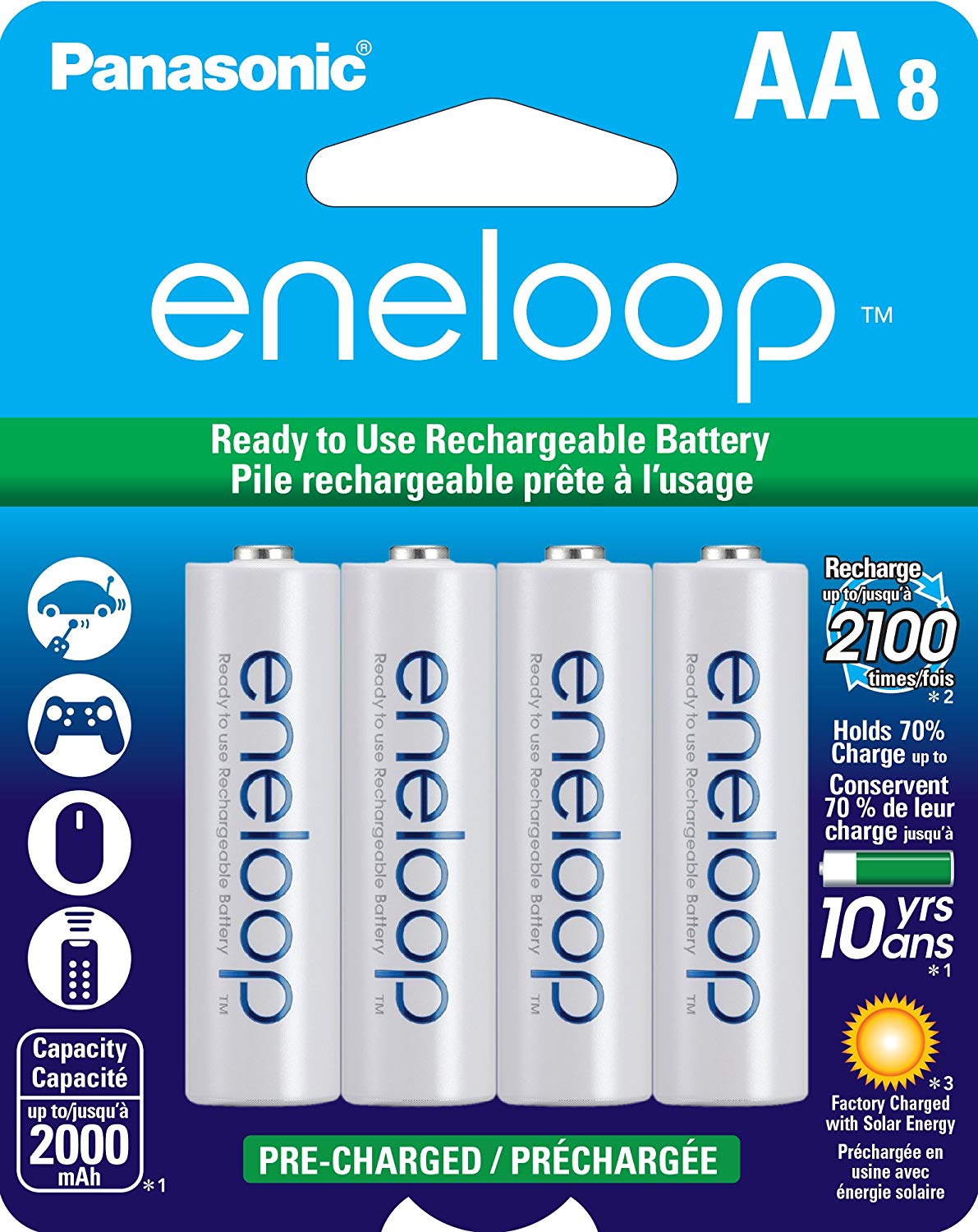
Panasonic rechargeable batteries

$19 at Amazon

These batteries can be recharged up to 2,100 times and are a great way to keep your Touch Controllers charged and ready to go.

Google is testing new AR camera effects in Android Messages

New AR effects are coming to Messages, but it may take a while for them to roll out.

What you need to know

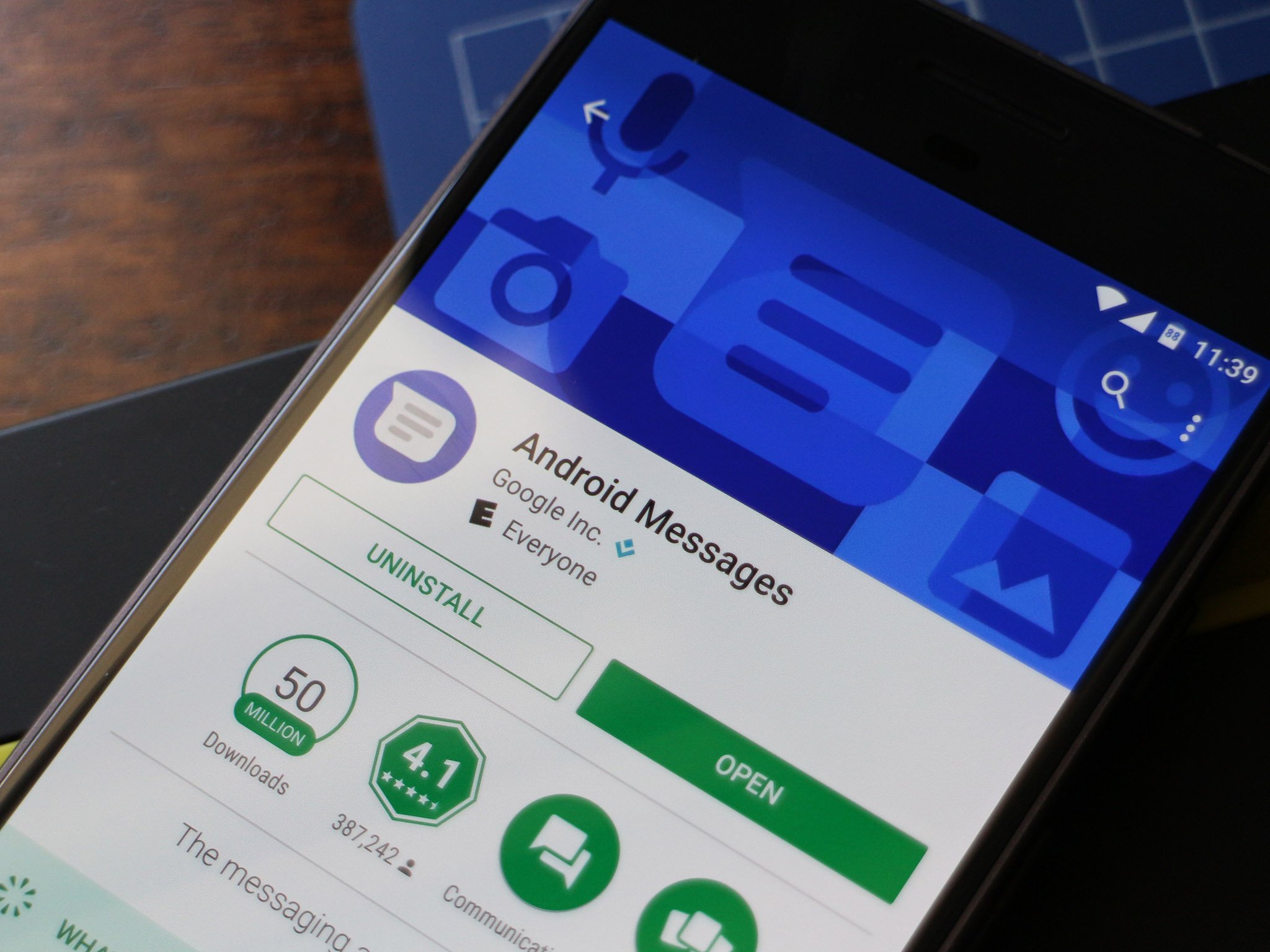
  • Google is testing five different AR camera effects for the Android Messages app
  • Apart from AR effects, Google is also testing SMS reminders and verified SMS features.
  • Even though the features are currently being tested, there is no guarantee that they will actually be rolled out in the future.

The Android Messages app will soon support camera effects similar to the ones found on apps such as Instagram and Snapchat. According to the folks over at XDA Developers, who discovered the feature first, a total of five new camera effects are being tested for Android Messages: plane, confetti, fireworks, balloons, and angel.

The AR effects show up in the camera viewfinder when sending a picture using the Messages app. When you send a picture to someone using Android Messages, you can select any of the five AR effects from the effects tab. While it looks like Google is starting off with just five effects, it is entirely likely the company will add more effects in the future. As can be seen in the images below, the AR effects in the Android Messages app work quite well, with the objects being accurately placed in front and behind the subject's face.

Image credit: XDA

Apart from AR camera effects, Google is testing a few other features as well for the Android Messages app. XDA Developers had reported last month that Google is testing verified SMS and SMS reminders for the messaging app. While there is little information regarding how the "Verified SMS" feature works, it will apparently analyze messages from a business to enable "safer chats with businesses that send verified SMS." Google is also working on "SMS Reminders" that could prove to be quite helpful to users, with the feature adding a button in the notification to remind users to reply to a received message after an hour.

Sadly, there is no word yet on when Google will begin rolling out these new features to the Messages app. Needless to say, the addition of new features will definitely help make Messages app more popular among users, coming on the heels of the rollout of the RCS chat features in the United Kingdom and France.

Best Android Messaging Apps in 2019

Google has quietly launched a developer website for Fuchsia OS

Developers might be able to start creating Fuchsia apps sooner than expected .

What you need to know

  • After finally acknowledging its existence at I/O 2019, Google has launched a developer website for Fuchsia OS.
  • The developer portal includes a vast amount of documentation to help developers learn how they can create Fuchsia apps.
  • As per the website, Fuchsia is a modular, capability-based open source operating system.

At Google's I/O developer conference in May, the Mountain View-based company finally confirmed that it is indeed working on Fuchsia OS, an open source project designed for modern operating systems. Google has now quietly launched the official Fuchsia OS website for developers. The developer website clarifies that "Fuchsia is not Linux" but "a modular, capability-based operating system."

While Fuchsia.dev did go live briefly after Google I/O concluded, no content was actually visible on the website back then. The newly launched website isn't the most appealing visually but it does include a lot of documentation that is aimed at helping developers get started with the experimental open source operating system. That said, it is nearly impossible for developers to start creating Fuchsia apps currently, mainly due to the fact that there are very few devices out there that support Fuchsia OS. The small list includes Acer's Switch Alpha 12, Google Pixelbook, as well as multiple generations of Intel NUC.

The documentation on the Fuchsia developer website also includes detailed information regarding the all-new Zircon microkernel that the operating system is built on. In comparison, Google's Android and Chrome operating systems are based on the Linux kernel. One of the key strengths of Fuchsia will be its scalability. Google plans to use the operating system on a wide range of devices, including smartphones, tablets, notebooks, as well as embedded systems.

While Fuchsia apps are based on Dart, developers will need to use Flutter to actually write the user interface and apps. A major advantage of Flutter is that it is a cross-platform framework, making it possible for developers to build apps for both iOS and Android using a single codebase. Even though Google has denied that it plans to replace Android with Fuchsia in the future, it is possible for the experimental operating system to support Android apps.

Top 3 ways Fuchsia can be a better operating system than Android