appnext

Jumat, 31 Mei 2019

Google Play Store redesign rolling out with bottom navigation bar

The new design is showing up for users with version 15.1.24.
What you need to know

  • The new Material Theme version of the Play Store has started rolling out to users.
  • It is available with the latest version of the app which can be downloaded from APKMirror.
  • Google Music has been removed from the navigation bar but can still be found in the pull-out menu.

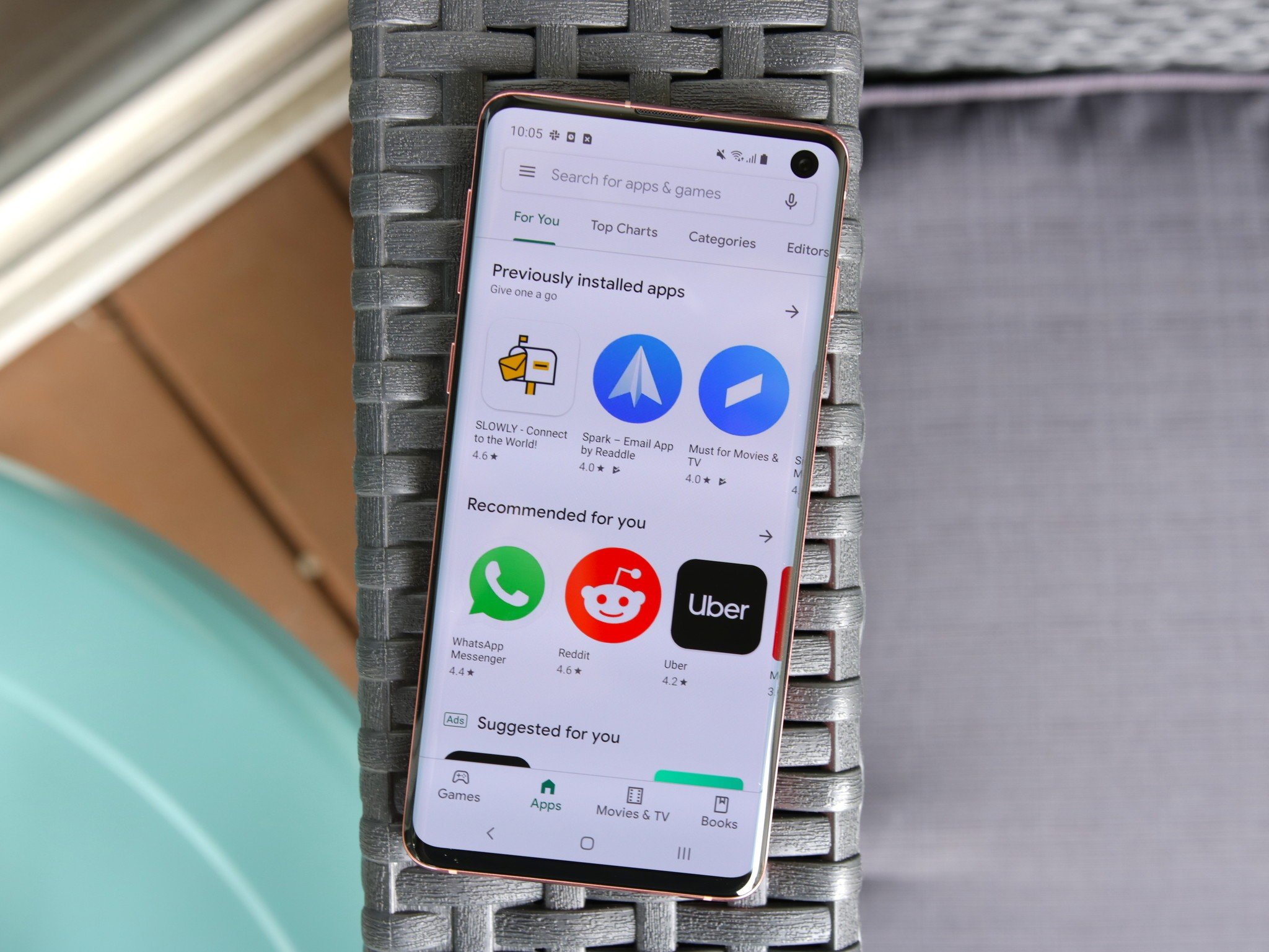
The new Material Theme Play Store redesign is now rolling out with version 15.1.24. The refreshed design updates the Play Store with a clean whitewashed theme and drops the green. You might remember we first covered this back in April when the new design was discovered from an APK teardown.

Besides dropping all the green, it has also moved the navigation bar from the top to the bottom and removed the music category. No worries though, you can still browse music by opening it from the hamburger menu.
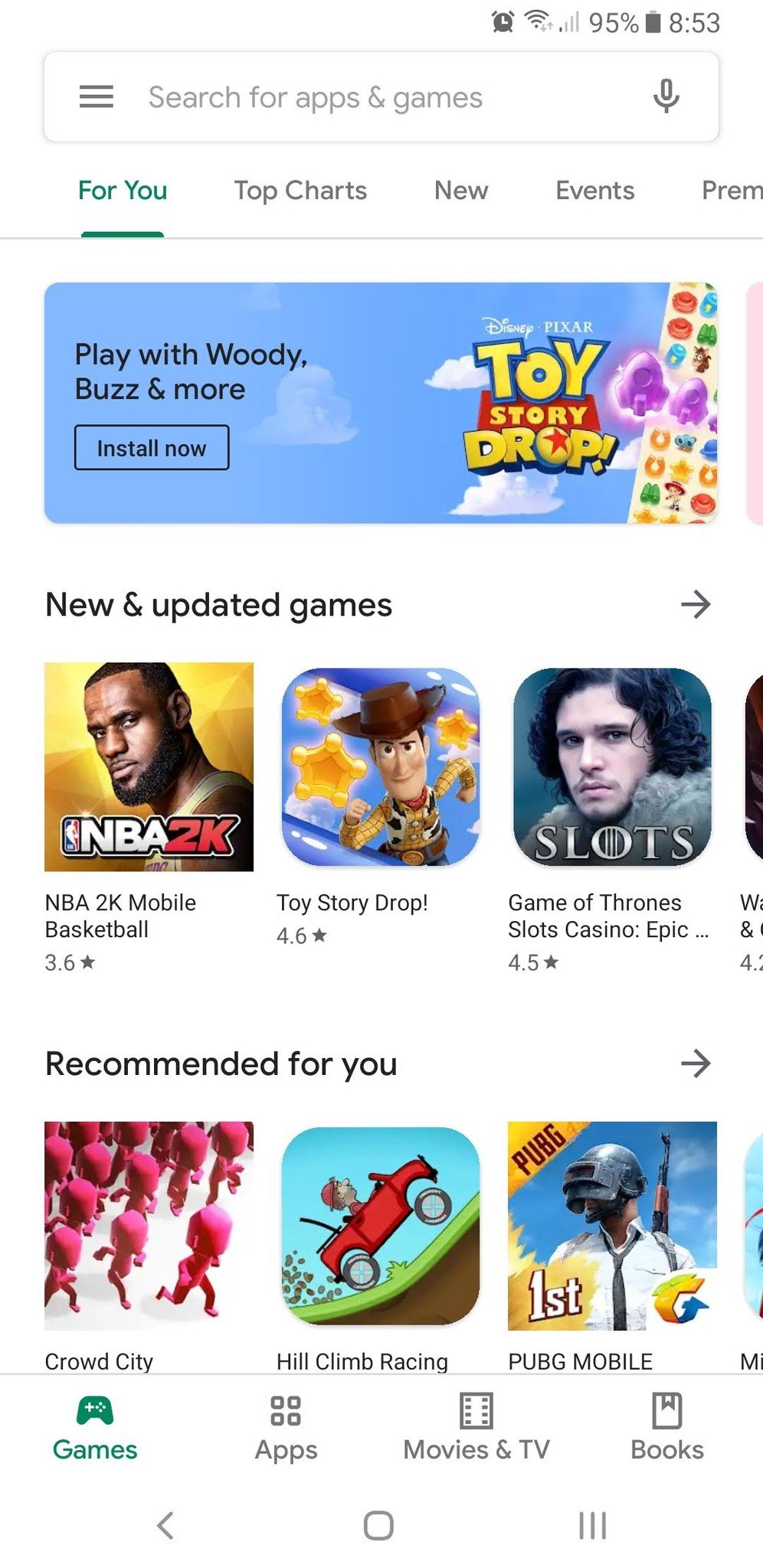
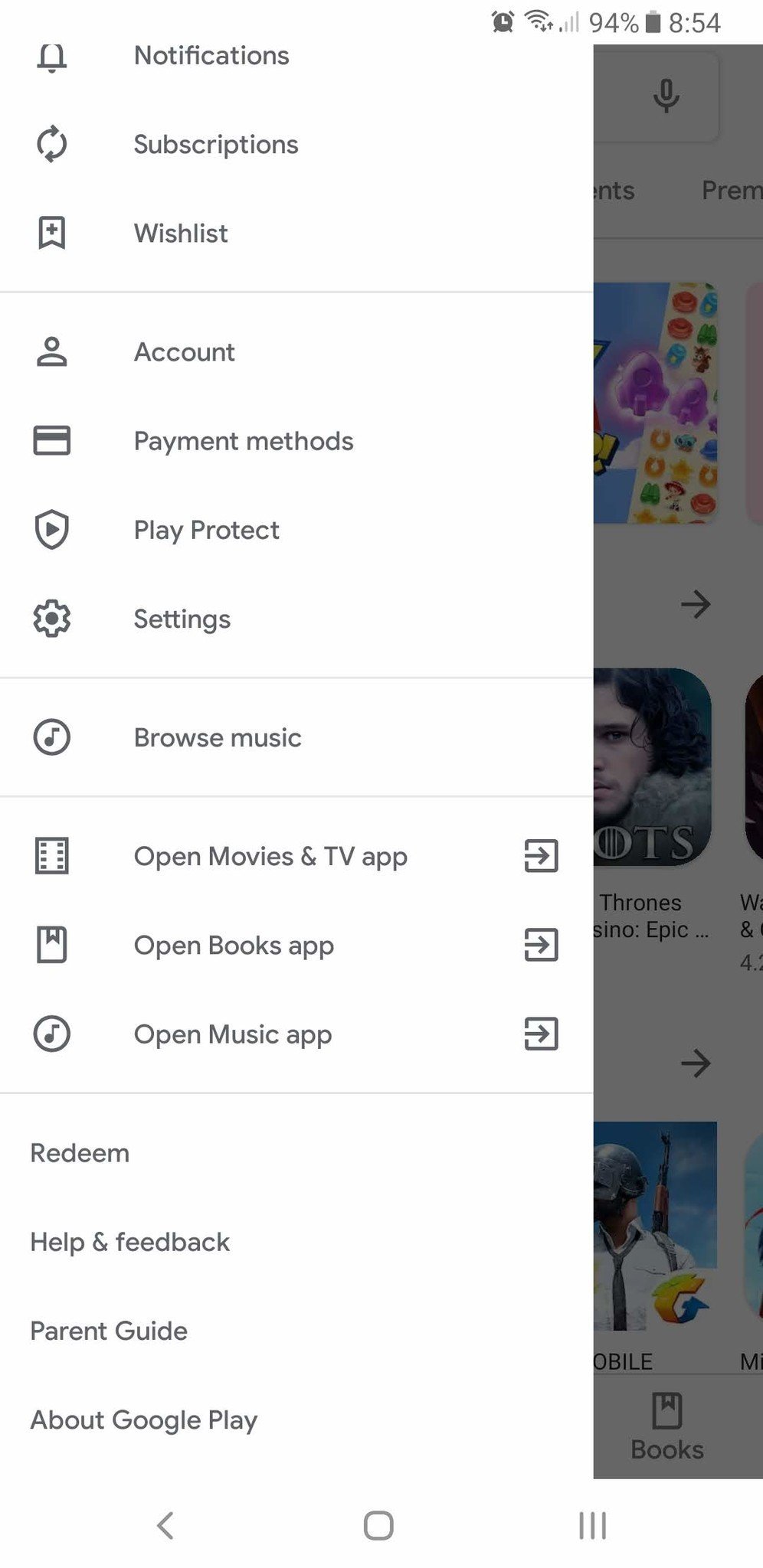
Some other immediate changes you'll notice include more rounded corners, a new font, and the new flat design that no longer uses a card interface, lines, or drop shadows.

The app pages have also gotten a major facelift, with the ratings and stats pushed to the top and an install button that now runs the entire horizontal length of the page. Not only that, but when you install an app the old download bar has been revamped into a circle that goes around the app's icon.
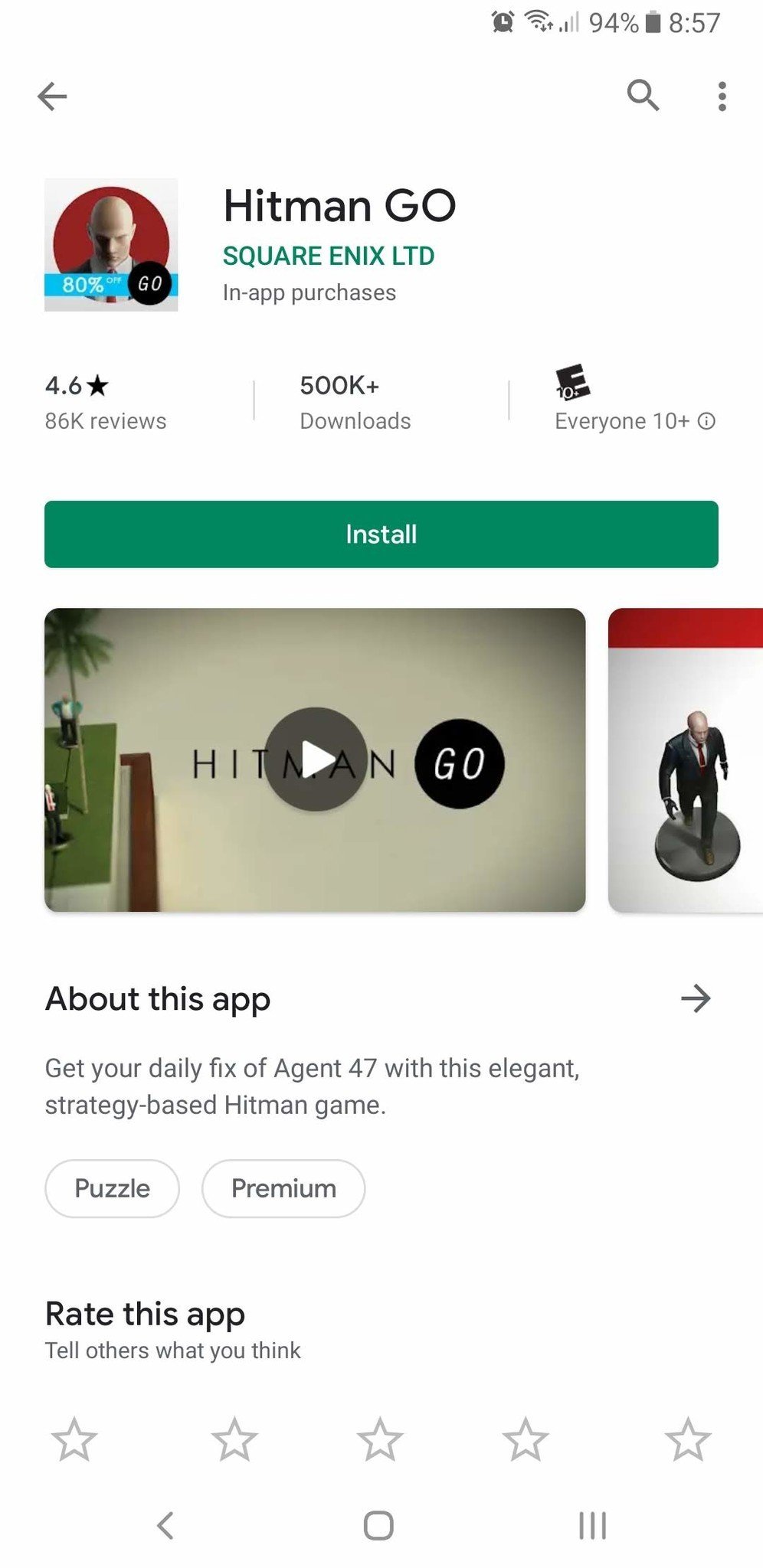
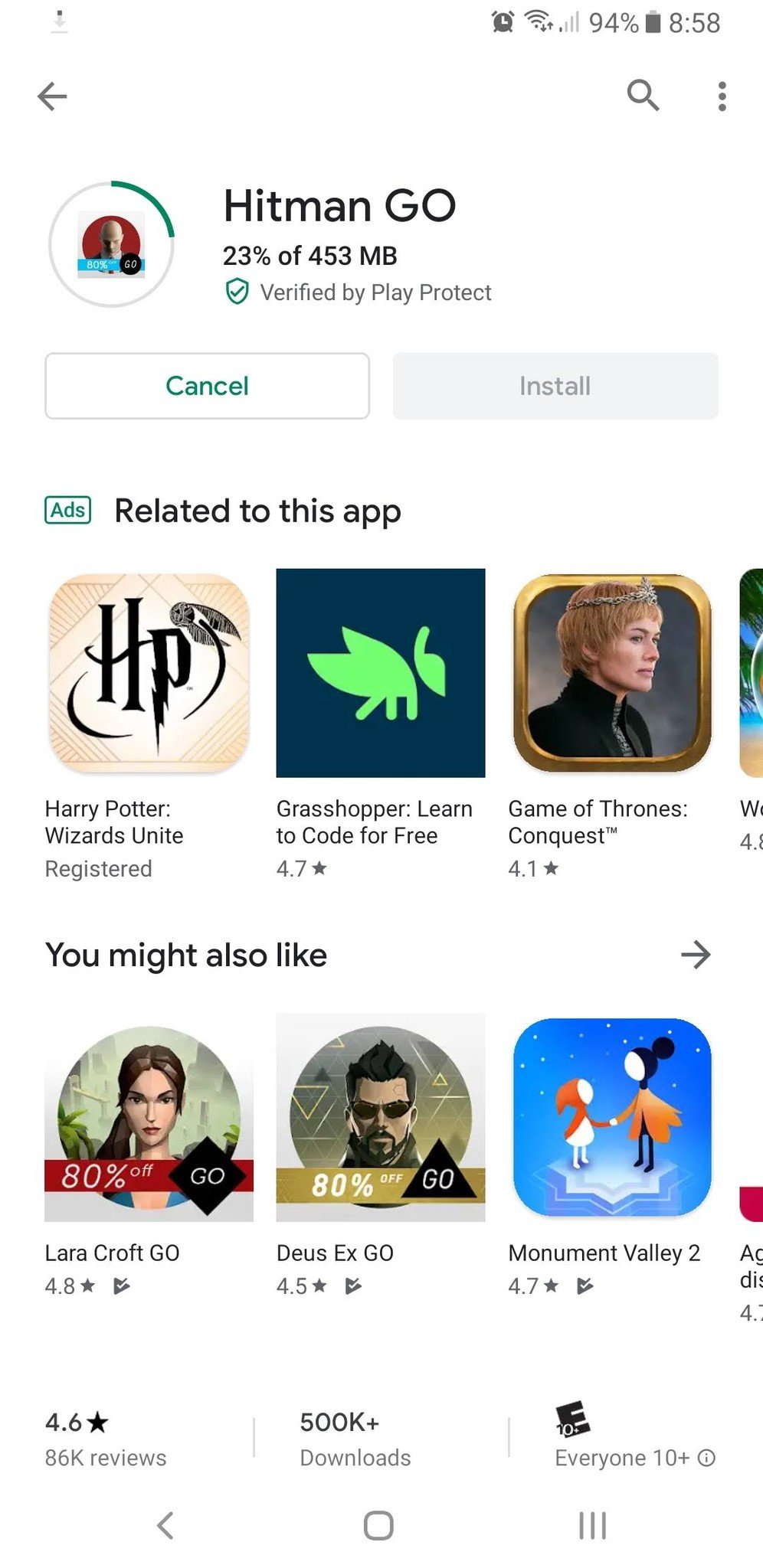
Overall, the new design provides users with a cleaner and more cohesive look which brings it up to date with Material Theme standards. If you've been following Google's other apps, you'll know we've seen similar facelifts for Gmail, Google Drive, Google Voice, and a few others.

If you're not yet seeing the new design, make sure you have version 15.1.24 of the app or download it from APKMirror. If you have the latest version of the Play Store and you still don't see it, try clearing the cache in the app settings.

Not only has the Play Store gotten a big UI refresh, but Google has also been making changes behind the scenes. On May 30, we reported on big updates to Play Store policies regarding sexual content, hate speech, loot boxes, and the sale of marijuana.

New policies from Google will make apps safer for your children

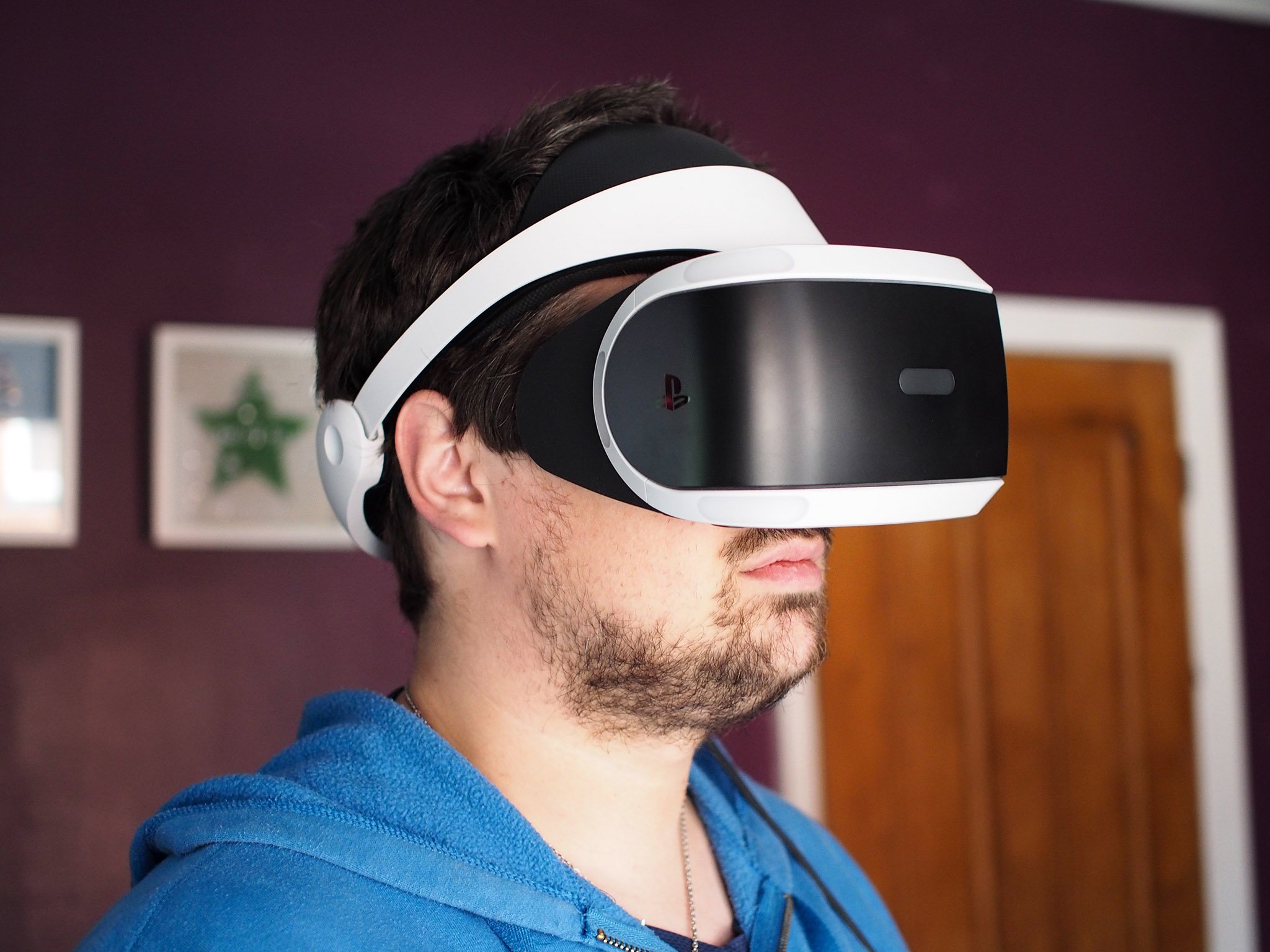
Eye tracking could tremendously improve future PlayStation VR experiences

Best answer: Eye tracking technology allows a device to track the position and motion of your eyes using a sensor. It should enhance your VR experience by reducing eye strain, increasing performance and resolution, and creating more immersive games.

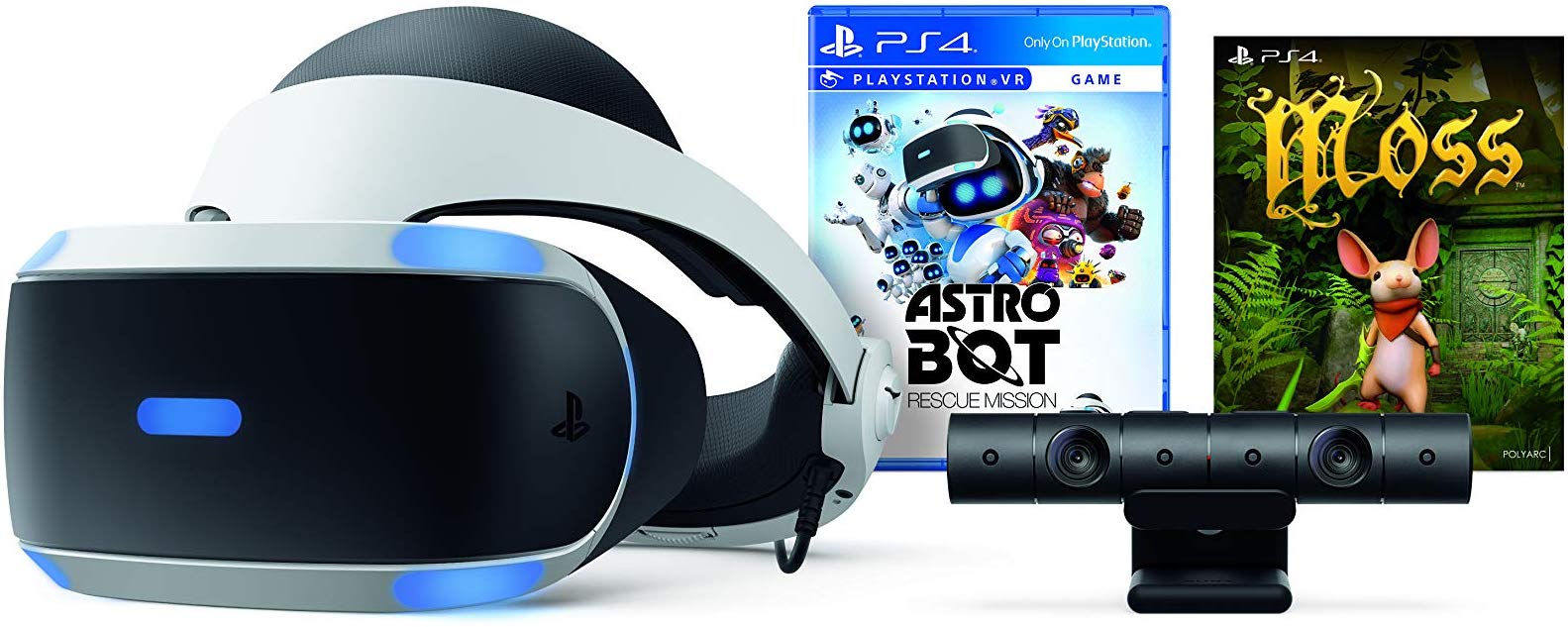
Virtual Reality: PlayStation VR - Astro Bot Rescue Mission + Moss Bundle ($242 at Amazon)

What is eye tracking?

Eye tracking is a sensor technology that can tell exactly where a person's gaze is focused. It allows the device you are using to track the position and motion of your eyes relative to your head and the screen.

Do any VR headsets currently use eye tracking?

Eye tracking was previously used predominately in the medical field, but virtual reality headset manufacturers have taken note of how important this technology is to the future of VR. Though a lot of VR headsets don't use eye tracking just yet, the HTC Vive Pro Eye does, and will be the first mainstream headset on the market to do so. Oculus, Qualcomm, Microsoft, and PlayStation are also looking to implement eye tracking into future VR and AR headsets, but none currently use it.

How will eye tracking benefit PlayStation 5 VR?

Eye tracking in virtual reality games adds a whole new level of depth to the experience. Games will become more responsive and accurate as the AI will be able to read where your focus is and process the interactions accordingly. It can also reduce strain on your eyes during these scenarios by measuring your inter-pupillary distance and adjusting the position of the lenses.

By studying where your gaze naturally rests and where your focus lies on the lenses, it is also possible to improve the UI design in menus, games, and apps.

Is a new VR headset launching alongside the PlayStation 5?

Unfortunately, it sounds like the PlayStation 5 will launch without a new VR headset to accompany it. Sony Global Head of R&D for PlayStation Dominic Mallinson is on the record stating that he does not believe a new VR headset will launch alongside the PS5 because "there's no reason for us to coincide it with a new console."

"From the point of view of the consumer, to be bombarded with many many things -- oh, you have to buy this, you have to buy that -- is a message that we don't want to send," Mallinson said. "In some ways, it's good to have a little breathing space between those things."

But when the next iteration of PlayStation VR does release, Mallinson would like it to have eye tracking. "That's the one that excites me the most... I think there will come a point in time in the not too distant future when you cannot launch a VR headset without eye tracking."

Thankfully the current PlayStation VR headset on the market should be compatible with PlayStation 5.

Our pick

PlayStation VR - Astro Bot Rescue Mission + Moss Bundle

$242 at Amazon

Your PS4 is already VR-ready

PlayStation VR may not have eye tracking just yet, but you can still have a fantastic virtual reality experience in it. Try it out for yourself to get a taste of what is possible even without eye tracking technology.

Why might you need wired connections for smart home networking?

Best answer: A smart home needs a fast and reliable internet connection to work its very best. Signal drops and dead zones can drive a need for wired networking options for smart home appliances and the devices that control them. Build out a mesh network with wired hubs to make sure your smart home works when you need it most.

Speed and reliability

The future is wireless with networking, speaker systems, and even charging trying to ditch physical connections. In a modern smart home, wireless connections will always be the goal so all of your connected devices can be placed in the most efficient spot. However, as you move further from your wireless router and place things in locations with a lot of interference such as a camera on an outside wall at the corner of a house, you may need a stronger connection for good video quality.

Wi-Fi is improving with every iteration but there will always be limiting factors like interference and wall penetration. Sometime unexpected things can negatively impact Wi-Fi performance, such as electric devices like a microwave oven or water heater in the way. Other times it can be as simple as the signal not being powerful enough to penetrate a brick wall. Either way, running an additional connection point such as a wired mesh router can improve your signal, and keep devices like cameras and speakers running reliably with enough speed to keep up.

Great hubs have great connections

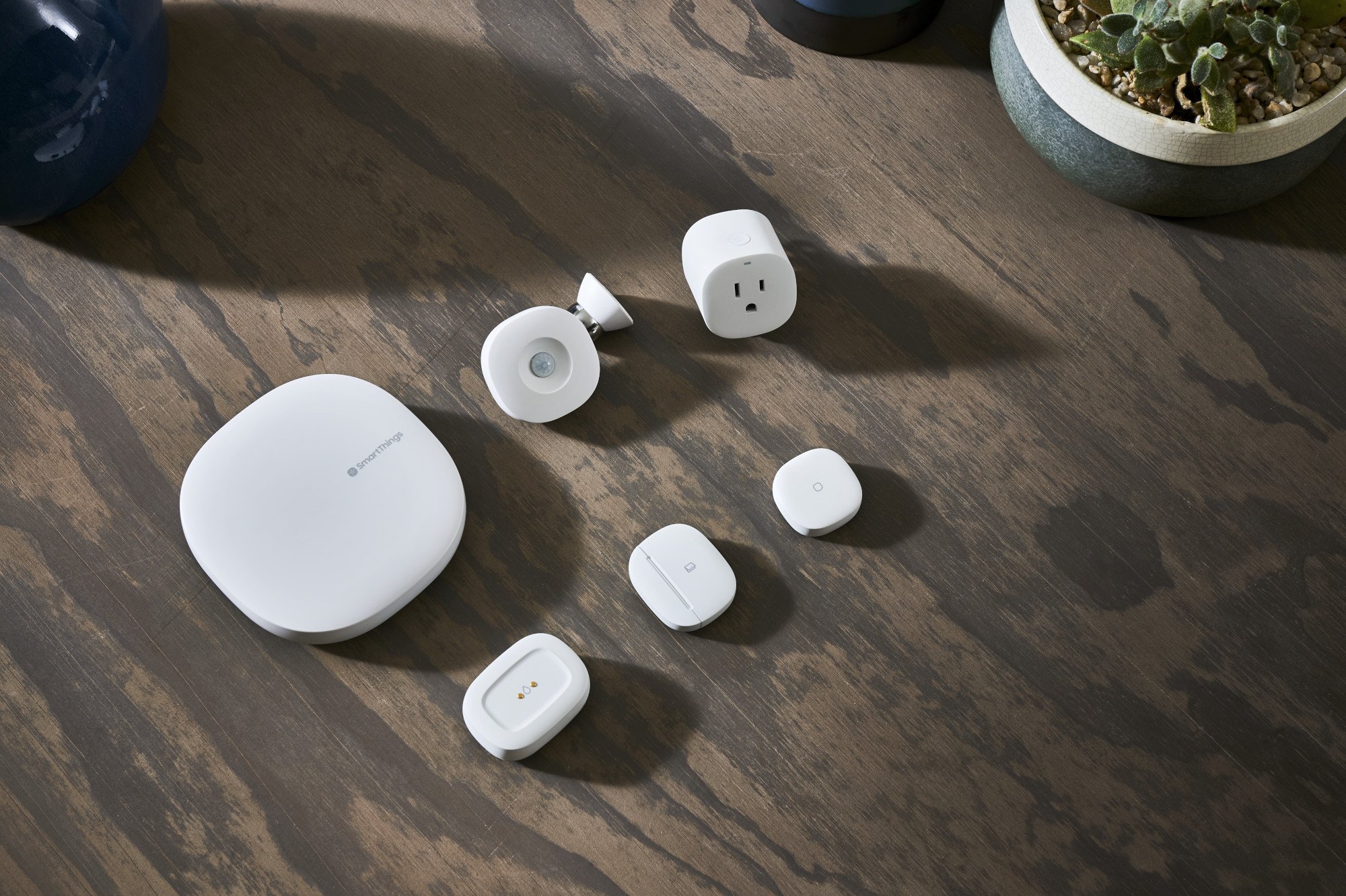
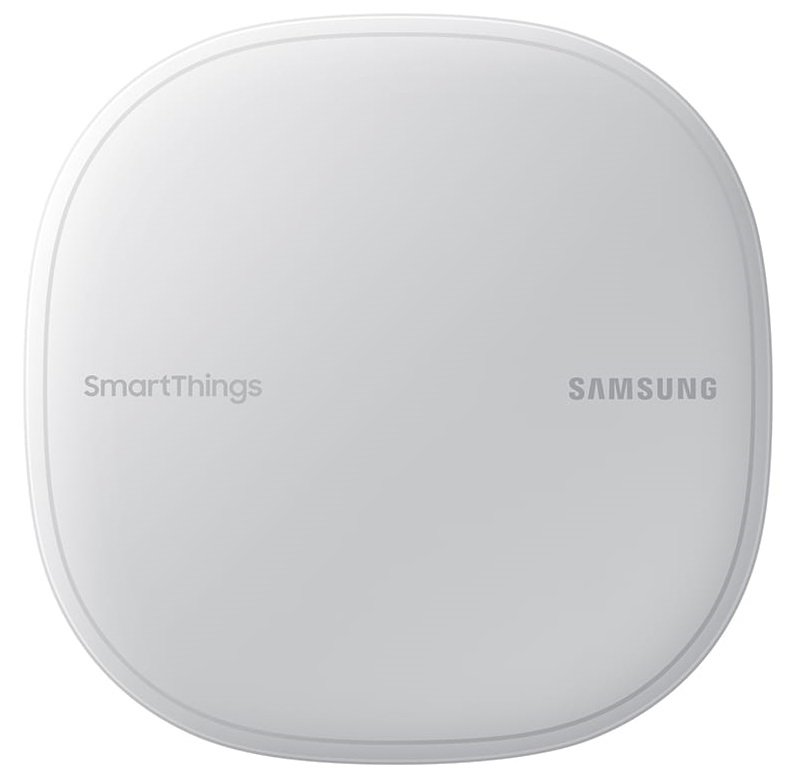
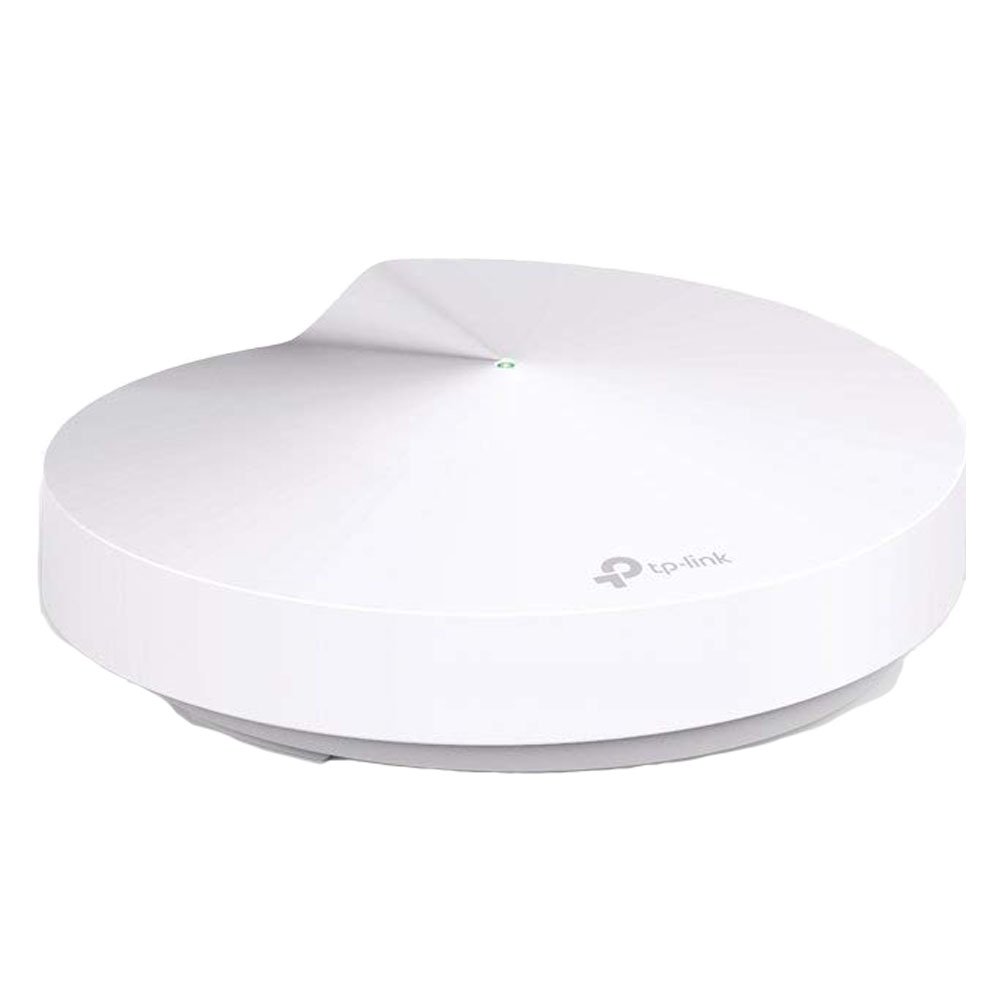
Most smart home devices are wireless only, but that doesn't mean a wired connection can't be used to add another Wi-Fi mesh point or extender. The Samsung SmartThings Wifi as well as the TP-Link Deco M9 Plus can be used as smart home hubs and can be directly wired into your home network. Some newer homes are already set up with Ethernet wiring throughout, but for older home it may be necessary to run an additional Ethernet cable.

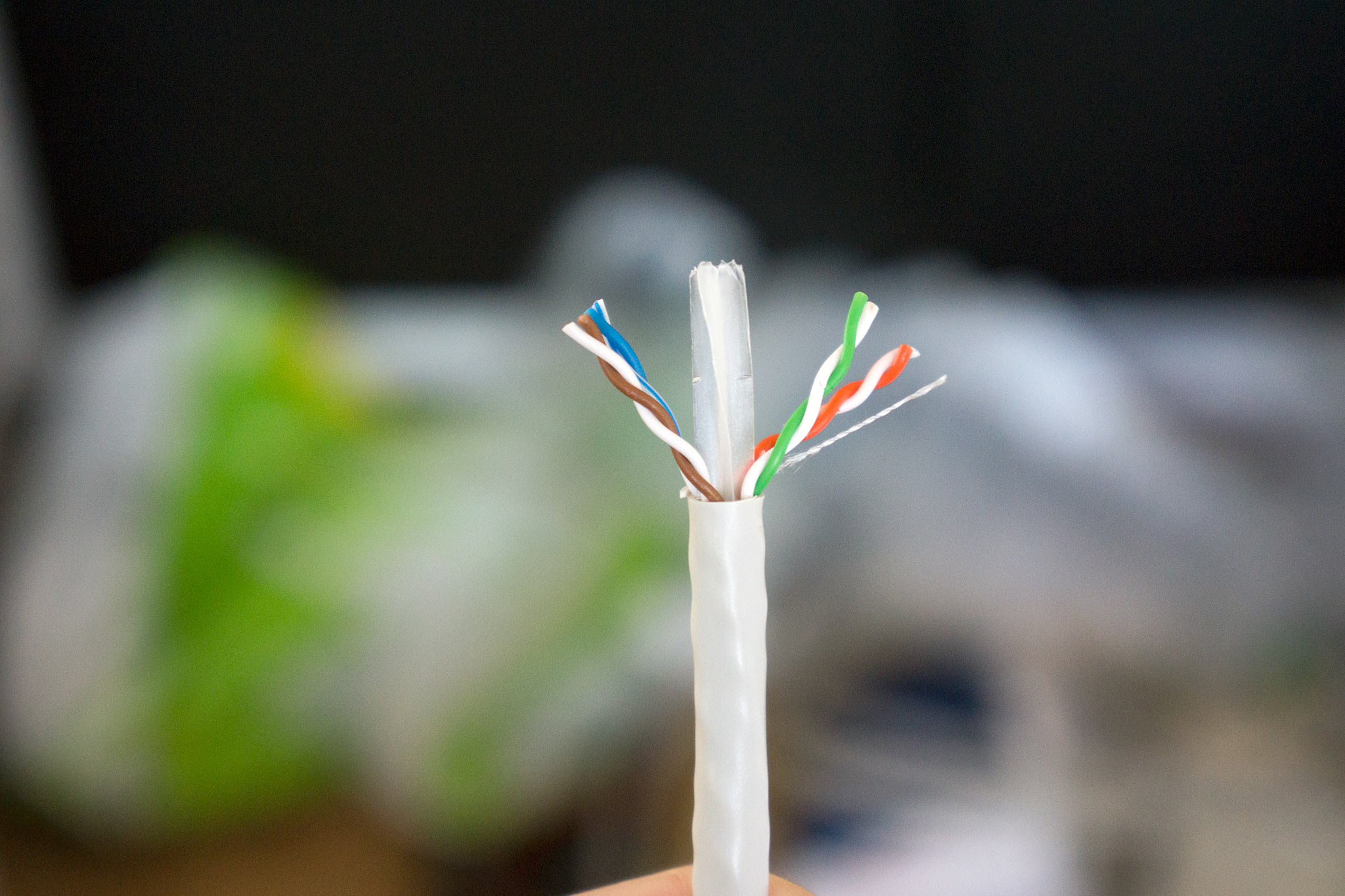
There are adapters that aim to use your existing wiring such as MoCA adapters using cable lines or powerline adapters using your electrical wiring, but both of these options should only be used if a direct connection is impossible. It's just not possible to accurately predict what kind of speeds you will get with adapters since the quality of wiring can differ greatly between houses. For the best possible speed, running a shielded Ethernet cable is your best bet.

SmartThings

Samsung SmartThings Wifi

$117 at Amazon

A SmartThings hub with mesh Wi-Fi

Build a mesh network that supports Samsung's SmartThings ecosystem with Samsung SmartThings Wifi. With AC1300 Wi-Fi speeds, your smart home can stay connected without a need for separate hubs and routers.

Zigbee

TP-Link Deco M9 Plus w/Zigbee

$150 at Amazon

Powerful mesh Wi-Fi with a Zigbee hub

The TP-Link Deco M9 Plus brings fast AC2200 Wi-Fi with mesh capabilites and an Ethernet port for a wired connection. With a Zigbee hub built in to each unit, this router keeps your home connected with plenty of speed left over.

Do you change the launcher on Pixel phones?

Looks like the Pixel Launcher has a growing fan club.

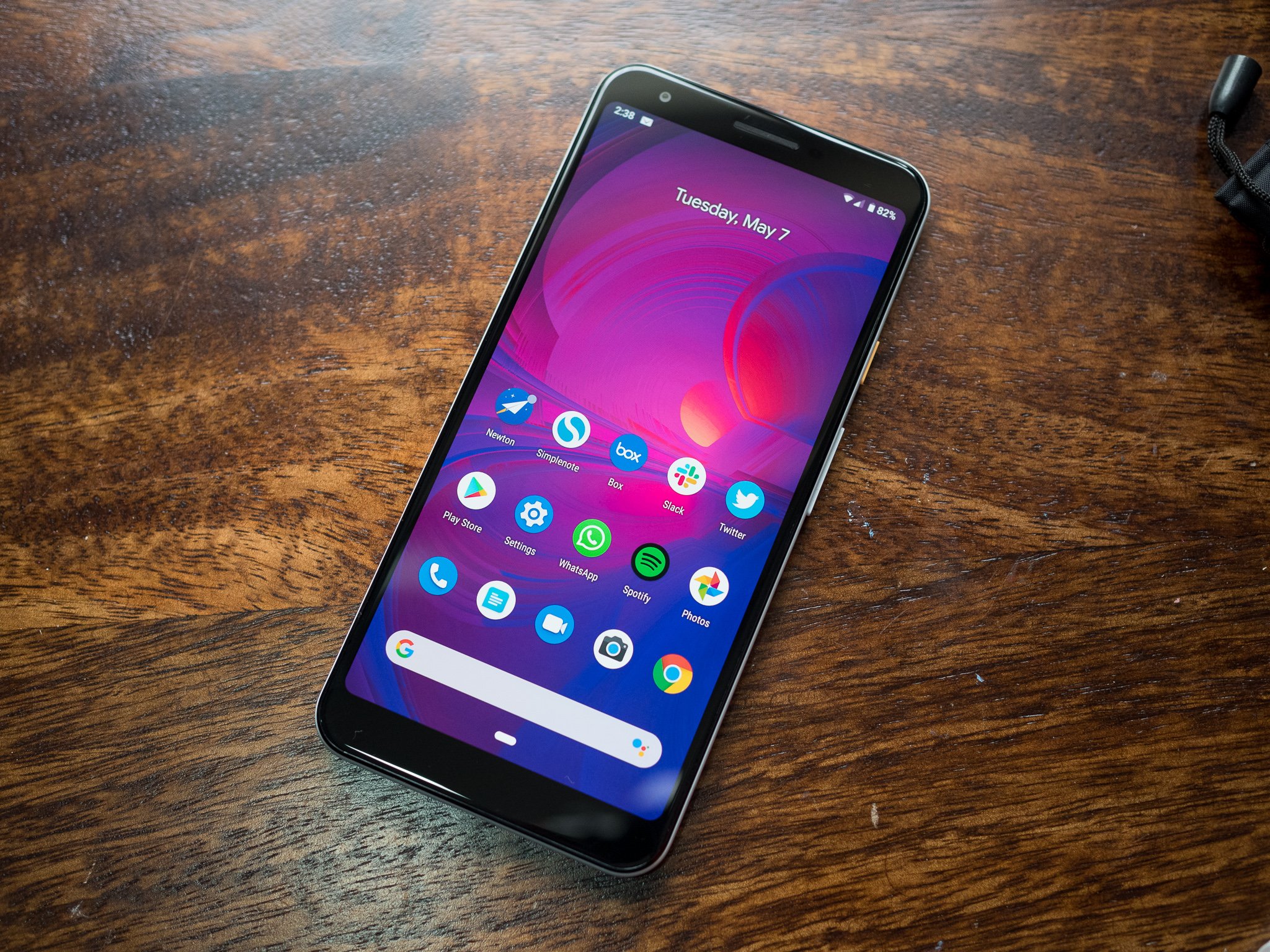
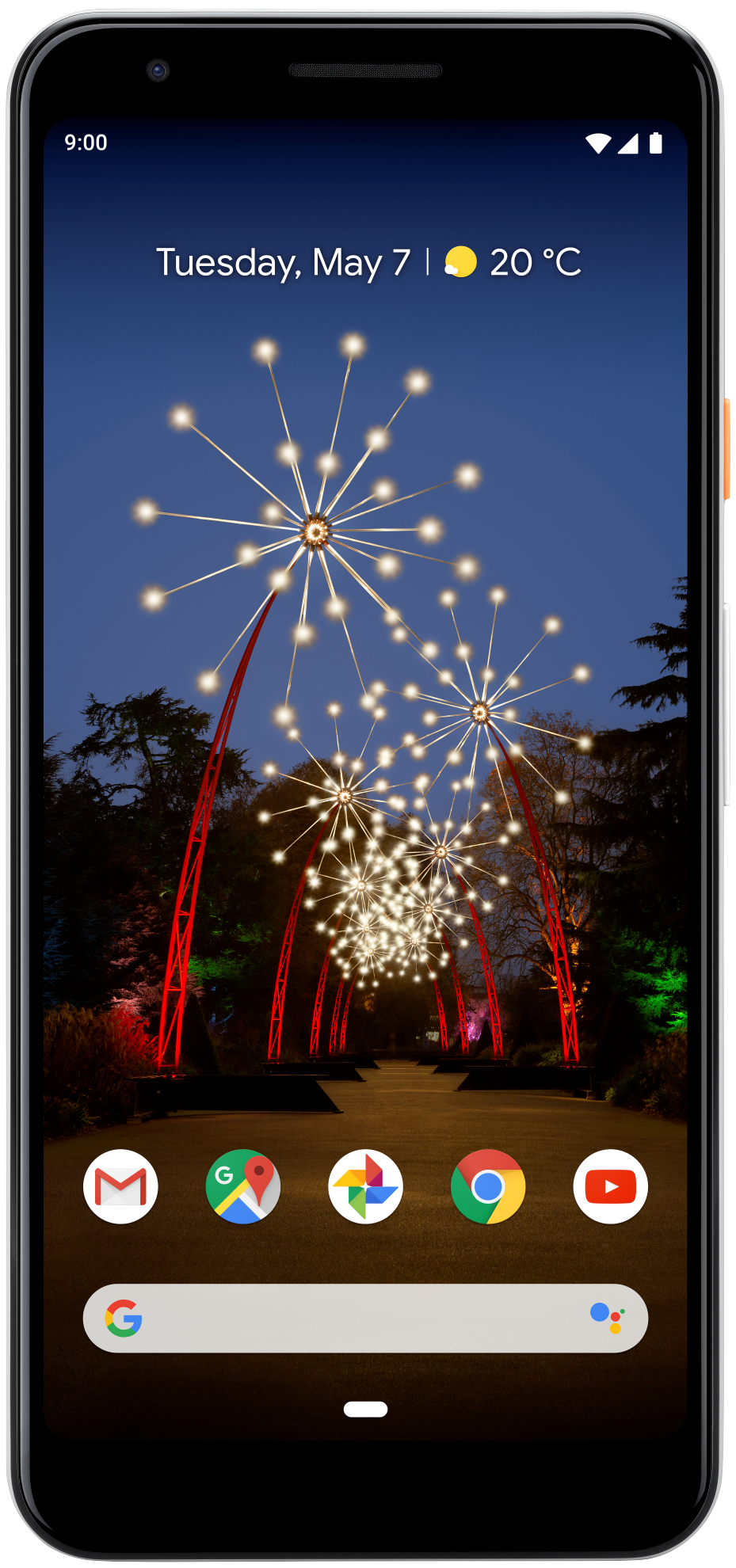
If you own a Pixel phone, chances are one of the main reasons you bought it was because of its software experience. Since Pixels are made by Google, they come with clean/uncluttered UIs, features you won't find anywhere else, and get access to Android updates and security patches before any other handset.

Google's custom Pixel Launcher is what ships on every Pixel phone out of the box, and while it may not be the most customizable option out there, it runs very smoothly and gives you easy access to Google Search and the Google Feed.

Taking a look through the AC forums, it looks like the Pixel Launcher is what most of our members stick with.

bhatech
05-26-2019 01:24 PM
“

I always use the Pixel launcher on my Pixel phones. Personally I like it the best, on other phones I revert to Nova or Pixel like launchers.

Reply
mogelijk
05-27-2019 11:06 AM
“

I am sticking with the Pixel Launcher. I've always liked the "Google" launchers, back from when I had Nexus phones.

Reply
Relletti
05-28-2019 03:22 PM
“

Using the Pixel launcher. I was thinking about loading Lawn chair or Nova but the Pixel launcher is just working right now for me.

Reply
dekatch
05-29-2019 03:49 PM
“

advanced gesture settings are the reason I'm still on nova. I use double tap on screen to bring up recent app list, swipe up to search apps, swipe down to open notifications. also the indefinite scrolling between homescreens is not possible on Samsung stock. and disable moving background also I use an additional dock row for a very few rare actions that I like to bring up from time to...

Reply

What about you? Do you change the launcher on Pixel phones?

Join the conversation in the forums!

Get More Pixel 3a

Google Pixel 3a

Pixel 3a From $399 at B&H Pixel 3a XL From $479 at B&H

Sprint's 5G network is now available in four new U.S. cities

The LG V50 ThinQ 5G also launches on May 31.

What you need to know

  • Sprint's 5G network is now live in Atlanta, Dallas-Fort Worth, Houston, and Kansas City.
  • The network is based on MIMO technology.
  • You can buy the LG V50 ThinQ 5G and HTC 5G Hub starting on May 31.

While T-Mobile and Sprint continue to work with the U.S. government on its impending merger, the latter of the two carriers has been off expanding its 5G network to more cities across the country.

In a blog post published on May 30, Sprint announced that its True Mobile 5G service is now available in Atlanta, Dallas-Fort Worth, Houston, and Kansas City. There are a few caveats to keep in mind with coverage in each city, with Sprint noting the following:

  • Atlanta — Sprint 5G covers approximately 150 square miles and 565,000 people from downtown to Dunwoody.
  • Dallas-Fort Worth — Sprint 5G covers approximately 575 square miles and 1.6 million people across the greater Dallas-Fort Worth area serving Irving and downtown Fort Worth, including Sundance Square, Las Colinas, and the North Dallas area from Preston Hollow to Addison.
  • Houston — Sprint 5G covers approximately 165 square miles and 800,000 people across the cultural center of Houston from downtown to Memorial City Mall/City Centre Plaza.
  • Kansas City — Service covering approximately 225 square miles and 625,000 people from downtown Kansas City, MO, to Overland Park, KS where the company is headquartered.

Sprint is using MIMO technology for its 5G service, 64T64R (64 transmitters 64 receivers) radios in all four of the cities mentioned above. With these radios, Sprint can offer its new 5G speeds in addition to its existing LTE coverage.

Commenting on the news, Sprint CEO Michel Combes said:

Sprint 5G is here and we're proud to give customers true mobility and the largest initial 5G footprint in the country. This is a momentous day and just the start of what we can achieve with T-Mobile, together building a better, faster, nationwide mobile 5G network that benefits all U.S. businesses and consumers.

If you want to take advantage of Sprint's 5G network in any of these cities for yourself, Sprint's launching the LG V50 ThinQ 5G and HTC 5G Hub tomorrow, May 31.

The V50 will set you back $24/month with $0 down on a Sprint Flex plan, whereas the HTC 5G Hub costs just $12.50/month. If you get the Hub, its accompanying plan includes 100GB of "high-speed data" for $60/month.

Additionally, Sprint will also carry the Galaxy S10 5G beginning "this summer."

KO! The best PlayStation VR boxing games

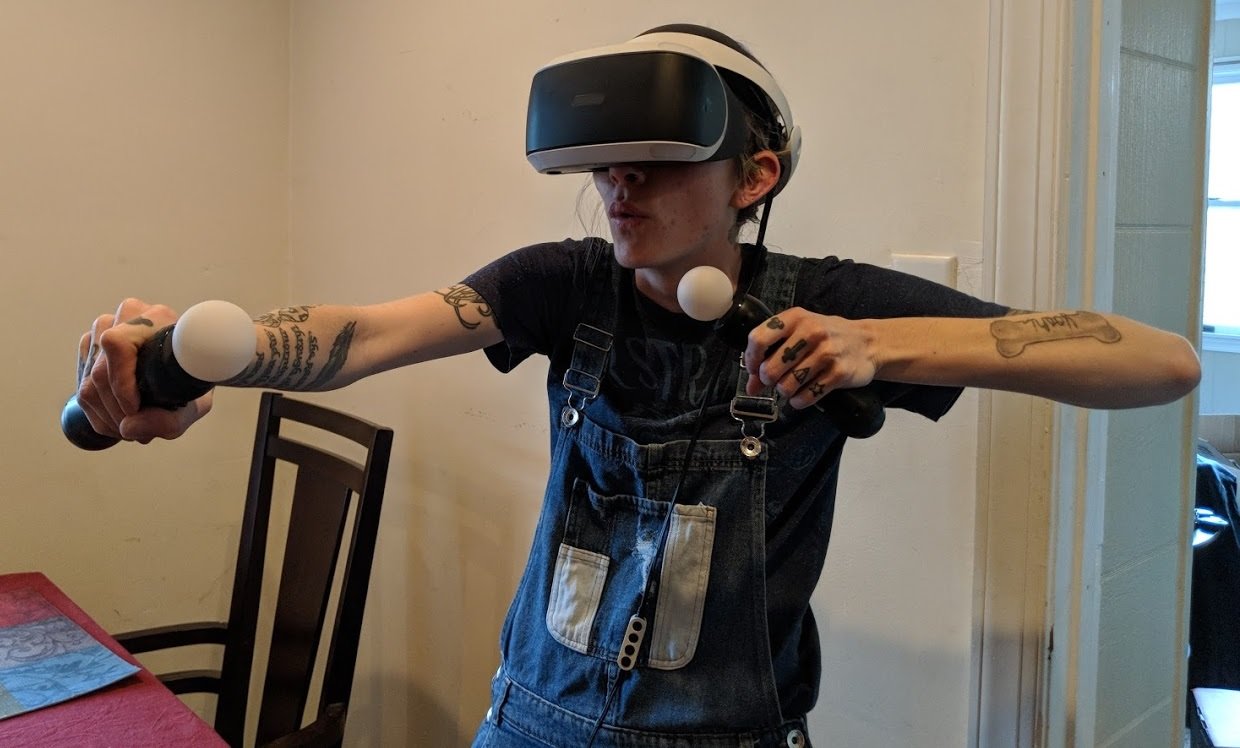
Some of us feel the call to the fight and want to try boxing for ourselves, but it's difficult for most of us to get into an actual ring. Well, the PlayStation VR (PSVR) has changed all of that by introducing a few boxing games that don't require skill or the risk of physical injury to enjoy. Alternatively, if you're looking for a punching game to get you active and moving, we know the best games for that as well. Check them all out here!

★ Featured favorite

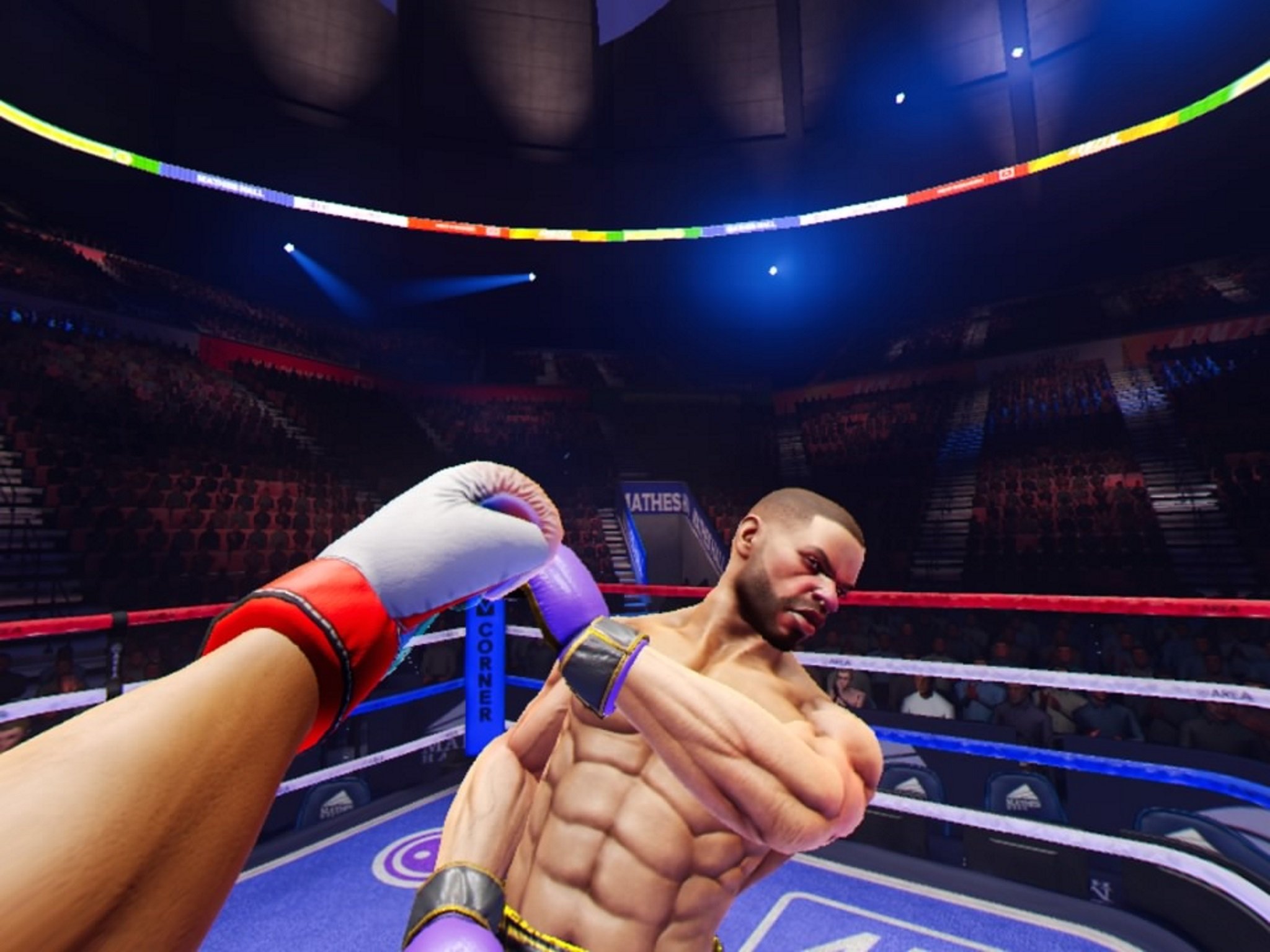
Creed: Rise to Glory

Creed: Rise to Glory has the best graphics and gameplay style you can find in a VR boxing game. Not only does it look great, but the mechanics teach you a proper boxing algorithm. It reminds you to take breaks in between punches and each time you land a hit the controller even vibrates for better immersion!

You'll break a sweat, throw punches like the professional, and love every minute of it! Trust me. You want Creed if you're looking for an authentic boxing experience.

From $22 at Amazon

Adorable boxing

Knockout League

Knockout League is a riot with goofy characters, hilarious catchphrases, and silly mini-games. You can fight an octopus wearing a monocle and top hat or punch water balloons out of the air for crying out loud! You'll laugh your way throughout each and every level, I promise.

$20 at PlayStation Store

Boxing minigame!

Rec Room

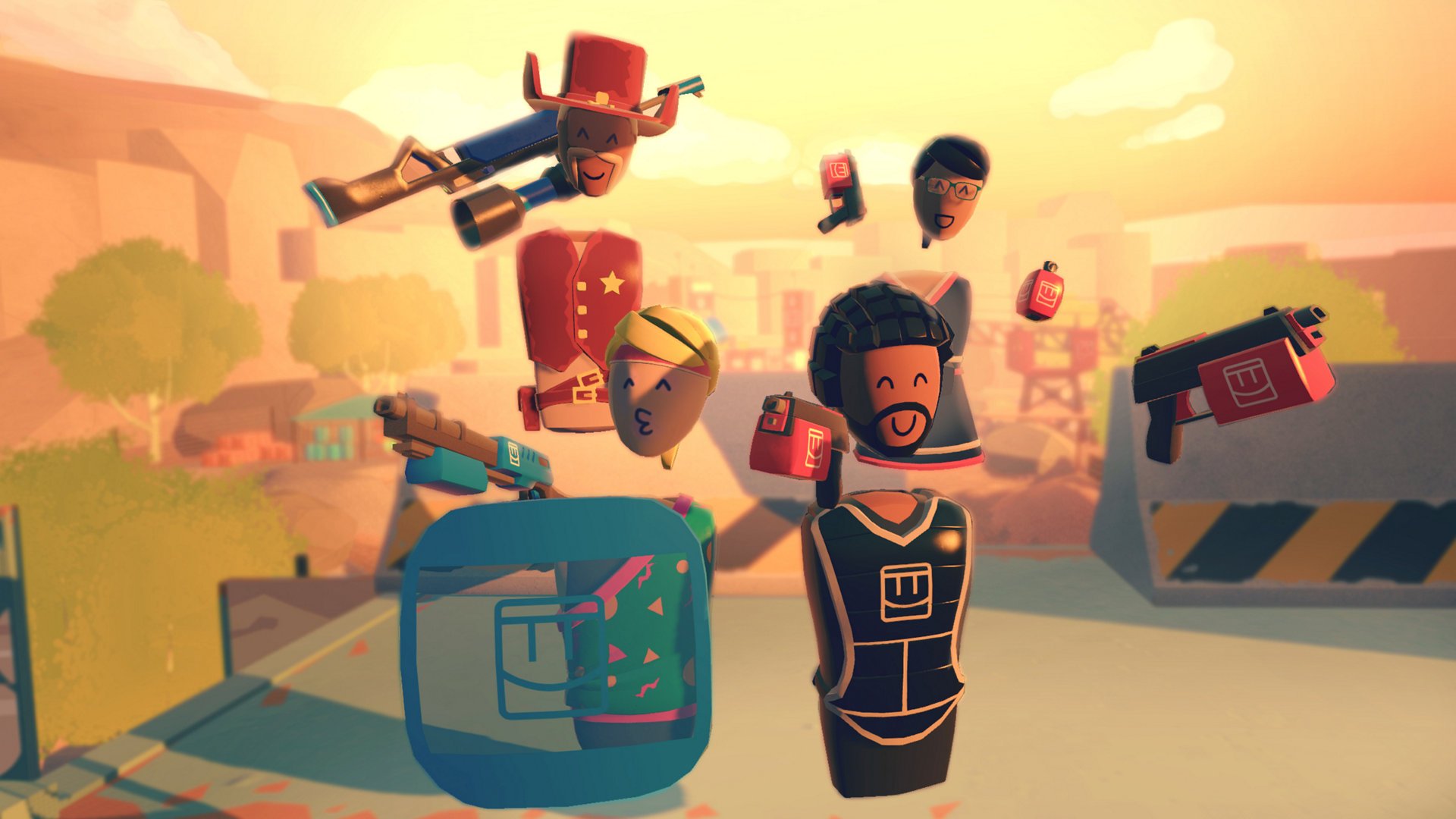
Rec Room is an online game for the PlayStation VR that revolves around playing a bunch of different mini-games with friends and strangers across the world. While the boxing game is incredibly simple, it's still really fun. Compete against your friends and family to see who the better boxer is!

Free at PlayStation Store

Hilarious and simple

Drunkn Bar Fight

This game has one focus. Punch the jerk at the bar who you decided to pick a fight with. The graphics aren't great, but it's full of good fun to have if you're looking for something to laugh at your friends with. Chug a bear, throw a chair, get dirty!

$12 at PlayStation Store

Best punching games for PlayStation VR

Don't want to specifically box against your opponents, but still want to get up and moving? Try out these punching games instead. These won't teach you boxing algorithms or put you up against live opponents, but they'll still get you on your feet and testing your reflexes!

Get down to music

Beat Saber

Staff pick

Nothing is going to get you more active in VR than Beat Saber. You're given two sabers and a soundtrack. The goal? Dodge walls, destroy boxes to the beat of the songs, and follow the specified directions of which way your saber needs to swing.

$30 at PlayStation Store

The best package

Superhot

Superhot is not only one of the best punching games because it offers other options for violence to keep your attention. You can punch, beat, or shoot your enemies with multiple different options from fists to weapons.

$27 at Amazon

Punch the rhythem

BoxVR

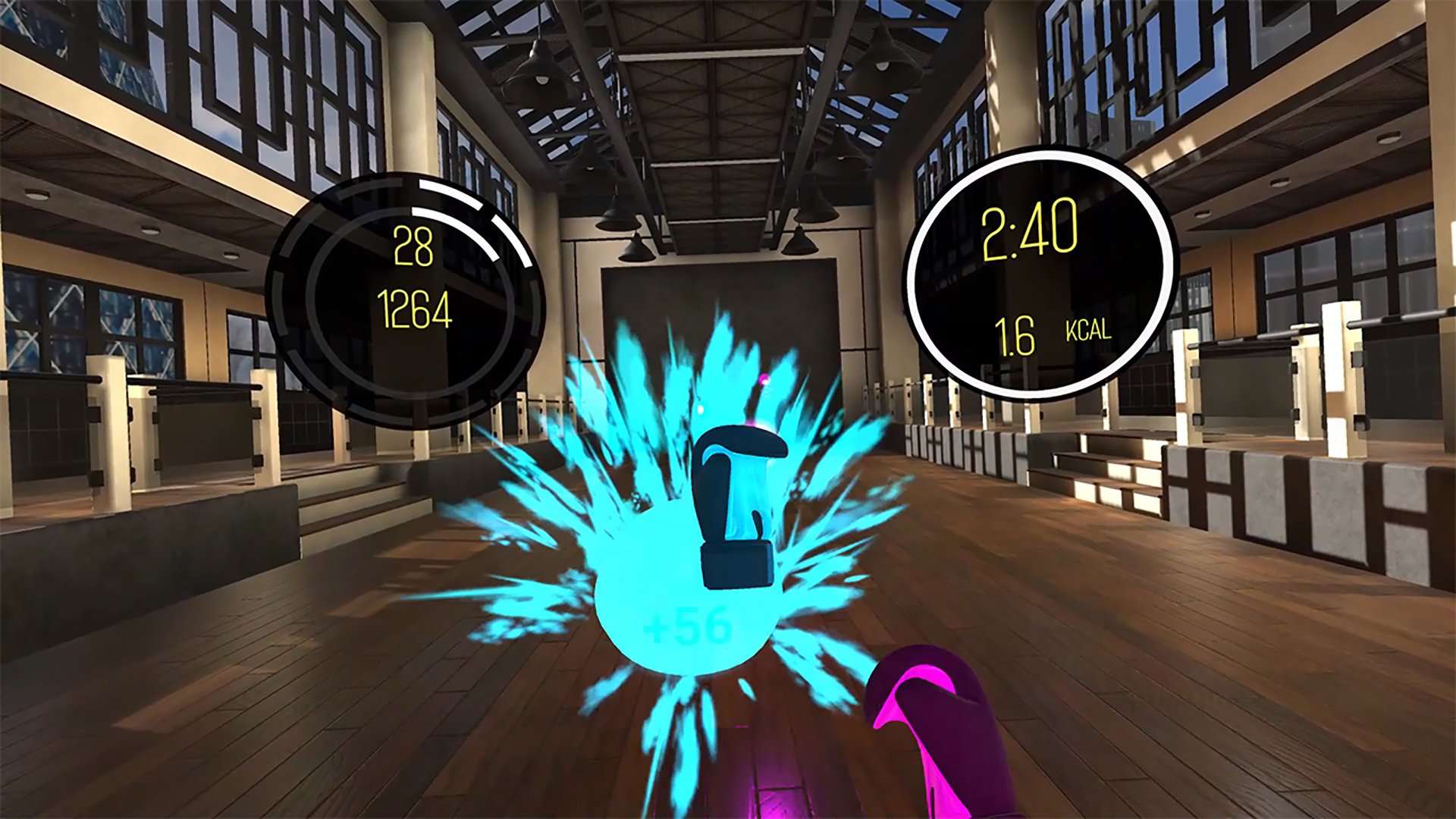
Even though boxing is in the name, BoxVR is more of a music punching game than it is a boxing algorithm game. Rack up a high score and get to the top of the leaderboards by punching the music right off the map!

$30 at PlayStation Store

Don't pull any of your punches

We all love a good fighting game to get us up and moving inside our virtual reality headsets. Creed: Rise to Glory captivated me because of the intense style and real-life lessons on boxing. It's truly phenomenal how you can learn to throw a perfect punch, pace yourself, and get a good workout without having to leave the comfort of your own home. The high-end graphics and 3D sound make it even easier to get immersed in the game for these lessons as well! This boxing game will give you hours of fun and valuable knowledge to keep forever.

If you're looking for less "learning how to fight" and more "getting active by punching things", then you want to go for Beat Saber! Beat Saber has the best soundtrack and mechanics for getting your heart racing in an incredibly fun way. Climb the leaderboards in online competitions and jam out to your favorite songs!

Can you gift VR games in the Oculus Quest store?

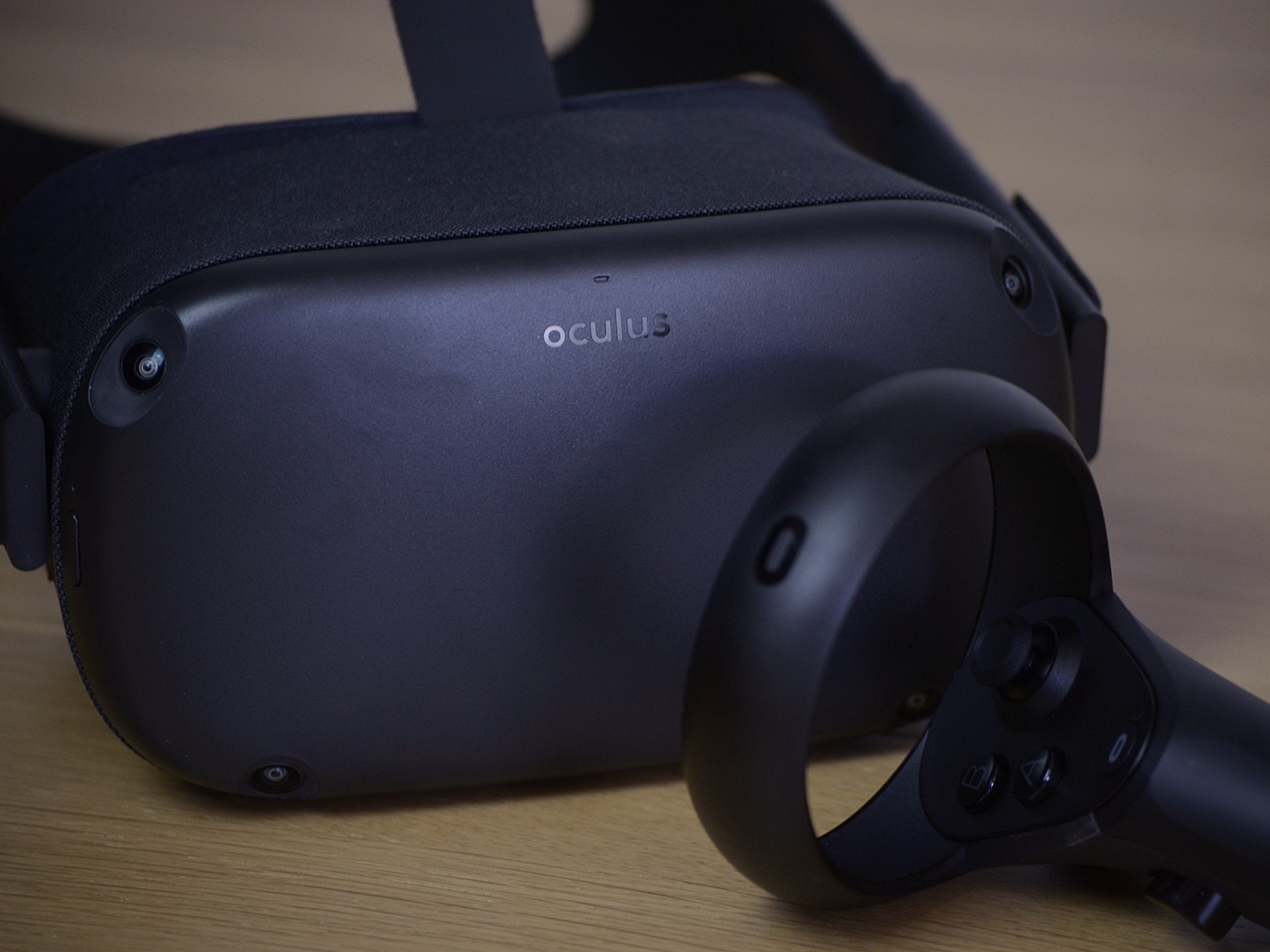
Best answer: There is no direct way to gift someone a game on the Oculus Store. You also can't gift someone Oculus Store credit. To give someone a game for the Oculus Quest, you'll have to use a prepaid gift card from Visa or Mastercard or transfer them money through PayPal.

Giving gift cards

Unfortunately, there's no direct way to gift someone a game for their Oculus Quest. You can't buy a game and gift it to them, and you can't transfer money to their Oculus account either. These features are available in many other app and game stores, but are not available for the Oculus Quest. There are a few options to gift someone a game indirectly, though.

First, you can give someone a prepaid gift card. You can purchase these easily online and then give them to whoever you want. There is a purchasing fee though, so you're paying more than you're giving the person. But if you can't give someone money directly, or they don't have a PayPal account, cards like this are one of your only option.

Giving money through PayPal

The Oculus Store supports payment through PayPal, so if you and your friend both have a PayPal account, you can transfer them money that way and then they can pay for any game they'd like. If you mark it as a Personal Payment, you don't have to pay any additional fees. Paying someone through PayPal is straightforward.

  1. Log in to your PayPal account.
  2. Select Send and Request at the top of your browser.
  3. Enter the recipient's email address.
  4. Select Sending to a friend or family.
  5. Enter the amount you'd like to send.
  6. Select continue.

Giving isn't easy

Because the Oculus Quest is so portable, sharing the VR experience with your friends in person is easy. Unfortunately, giving people games to use on their headset isn't as straightforward as it should be. Oculus doesn't have any native way to give games to a user or to gift money into someone's account.

As a result, your options are to give them money through PayPal, buying a gift card, or just giving them money through a bank transfer or giving cash. Hopefully, the ability to gift games directly becomes available. In the meantime, you'll have to resort to old fashioned ways of sharing.

The gift of gaming

Visa gift card

$55 at Amazon

Spending versatility

A Visa gift card can be used to purchase just about anything, including games from the Oculus Store. Your friend or family member can purchase popular titles with this gift card, though you'll have to pay a bit more than you're actually giving the recipient.

Giving games

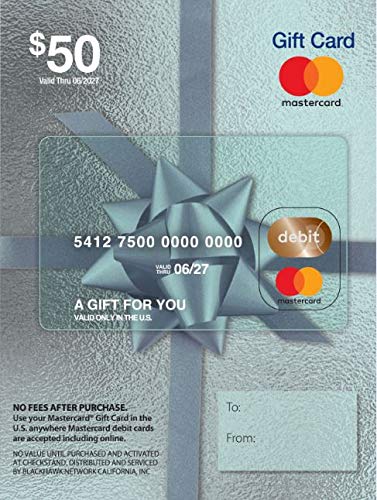
Mastercard gift card

$55 at Amazon

Flexible spending

A Mastercard gift card can be used to purchase just about anything from retailers that accept card payments, including the Oculus Store. You'll have to pay a bit extra compared to the value you are gifting your friend, but you can indirectly give them a game with this card.