appnext

Kamis, 30 April 2020

How to properly clean and disinfect your keyboard

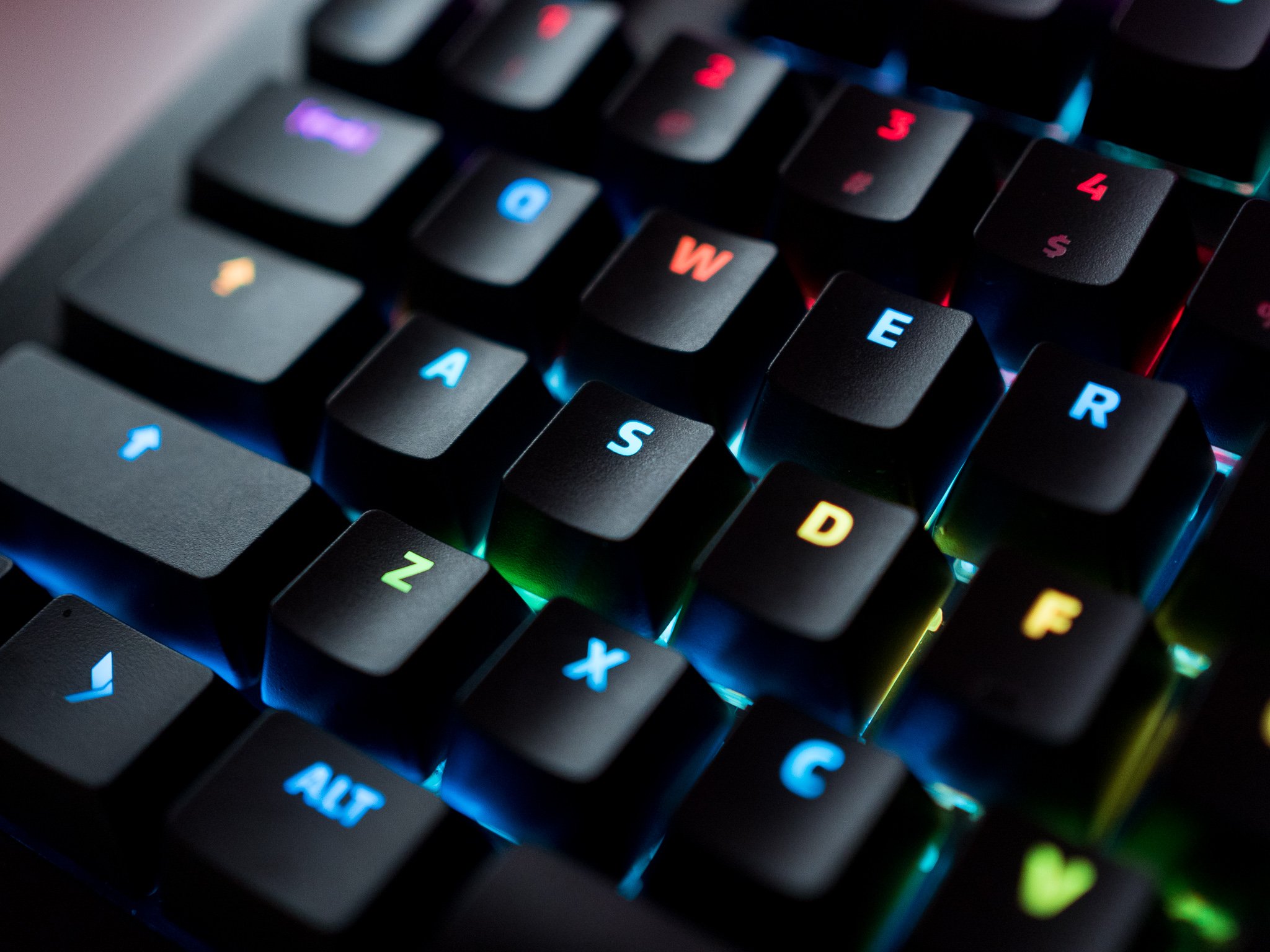
A keyboard is often the filthiest part of a computer. Keyboards tend to pick up a lot of dirt after just a few months' worth of use, and it's essential to clean them regularly. Thankfully, you don't need specialized cleaning equipment to clean a keyboard, and you can use isopropyl alcohol to thoroughly clean and disinfect most. Here's how you can ensure your keyboard stays in pristine condition.

Products used in this guide

How to properly clean and disinfect a laptop keyboard

Most laptops on the market today come with chiclet-style keys that are designed to provide decent tactile feedback without taking up a lot of space. Keyboards, unfortunately, pick up a lot of fingerprint grease, and you might be noticing it a lot more now that you're working from home. If you see this on your laptop keyboard, all you need to do is take a cotton swab, dip it in isopropyl alcohol, and gently clean the surface of the keys.

That's the easiest ways to clean the keycaps on a laptop. Isopropyl alcohol gets rid of any lingering germs or bacteria, and the best part is that it doesn't leave any residue behind. It evaporates in a matter of seconds, and you can just take a dry microfiber cloth and run it over the keyboard just to be doubly sure there's no residue on the keys.

There are a few things to note here. Do not try to pry the keycaps loose on a laptop keyboard; these switches feature a scissor design and it's easy to break them if you put too much force. If you notice a lot of dust underneath the keys, you can instead use a can of compressed air to blow the dirt out.

How to clean and disinfect an external keyboard

Cleaning an external keyboard is very straightforward: just unplug the keyboard and turn it upside down to dislodge any dust in between the keys. If you feel that there's not a lot of dust, you can use the combination of cotton bud and isopropyl alcohol to clean the keycaps. Then let it air dry for a few minutes and use a microfiber cloth to make sure there isn't any residue.

If you have a mechanical keyboard and want to clean it thoroughly, the best option would be to get a keycap puller, remove all the keys, and then soak them in a mug containing a warm soap solution for 10 minutes. It doesn't have to be very complicated — just put regular hand wash in a mug of warm water until you get a nice froth going, and then dump the keycaps in the solution.

Take them out after 10 minutes, clean them off with a microfiber cloth, and assemble the keys back on the keyboard. You can use a keyboard layout chart if you don't quite remember the position of all the keys.

Disinfect with ease

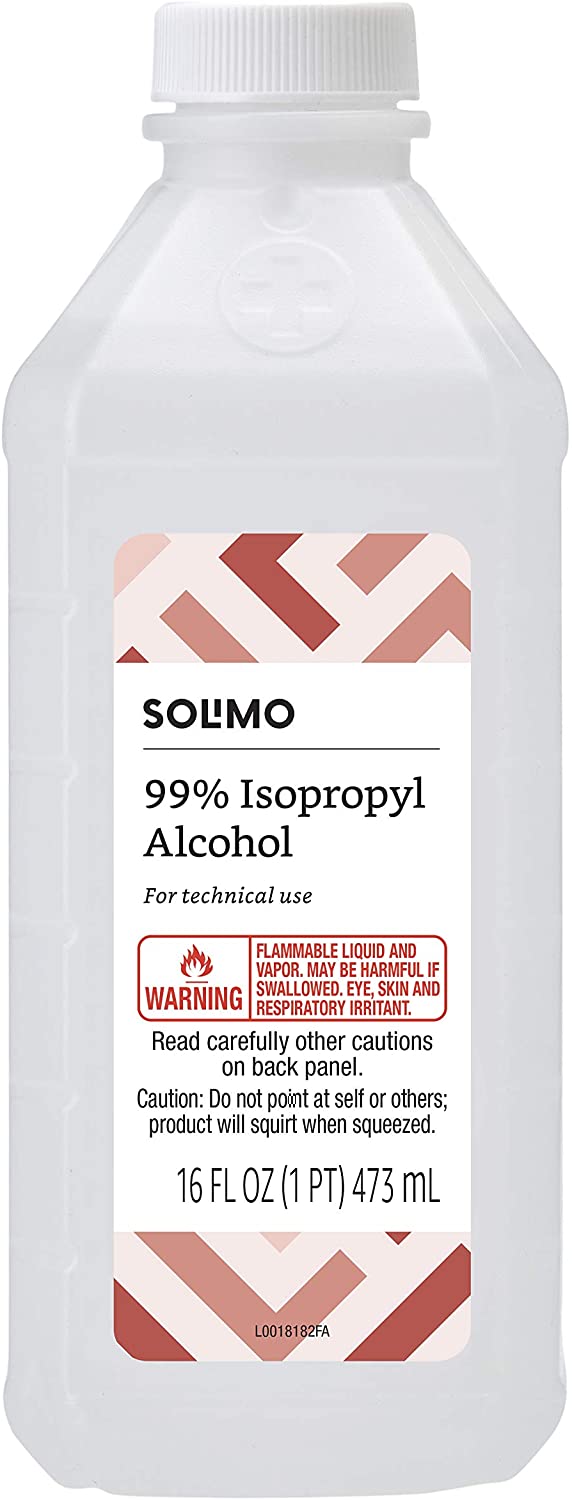
Solimo 99% Isopropyl Alcohol

$5 at Amazon

The easiest way to clean your keyboard

Isopropyl alcohol is ideal for cleaning a keyboard, and this 99% solution provides a thorough clean and doesn't leave any residue behind. It's easy to use, thoroughly disinfects your keyboard, and ensures there are no lingering germs or bacteria.

Leave no dirt behind

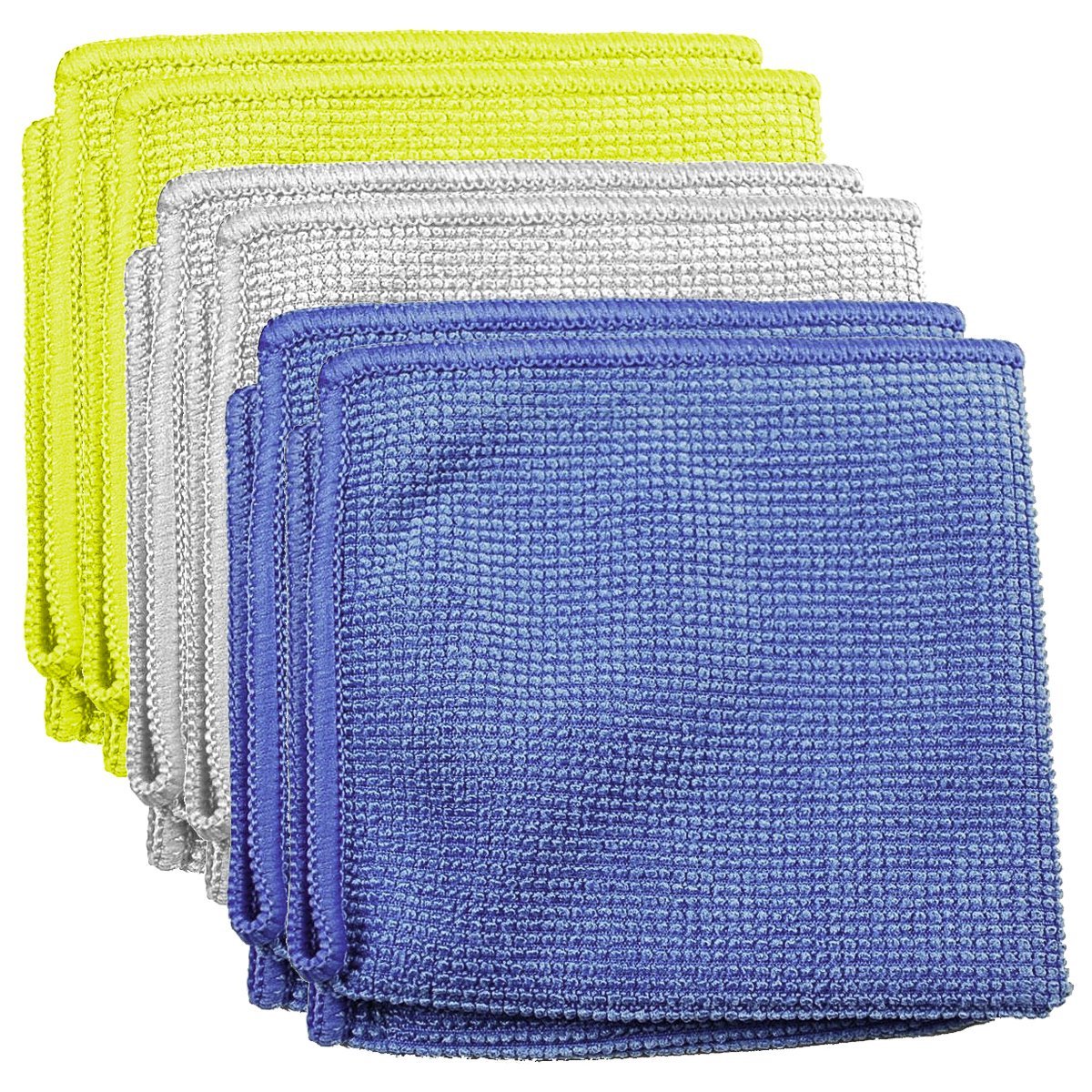
3M Microfiber Lens Cleaning Cloth 5-Pack

$13 at Amazon

The best microfiber cloth around

A microfiber cloth is useful for cleaning a keyboard and other accessories, and this 3M option is the best of the lot. It doesn't leave any lint behind, is easy to wash, and with a pack of five for under $15, you're getting decent value here.

The Galaxy Note 10 has been out for 8 months — do you still like it?

Getting chatty with the AC forums.

When we talk about Samsung these days, it's often in relation to the Galaxy S20 lineup of devices. These are the latest flagships that the company has to offer, and as such, that's what gets most of our attention.

However, the S20 phones aren't the only ones Samsung has in its current portfolio. Just a few months ago, the Galaxy Note 10 and Note 10+ were the hottest Samsung phones you could get.

One of our AC forum members recently asked if it was still worth upgrading to the Note 10+, and with that, some of our AC forum members who own the phone chimed in with their thoughts on it.

blackhawkhot
04-27-2020 10:21 PM

I have a Note 10+ The bad: It doesn't have the headphone jack but worse it doesn't have the latest bluetooth chipset. The bt HD codecs it can use are limited because of this:( 60hz display. Really Samsung? The curve screen is a pain protect and you need a good case to protect the s pen corner, it's preferred corner to land on in a drop. Or it face plants. Since it has just about zero...

Reply
mustang7757
04-27-2020 10:53 PM

I also have the unlocked version Note 10+ on tmobile, it has great reception , wificalling and with the update to 2.1 One UI lot of the s20 features. My battery life is a day with heavy usuage about 9.5hrs to 11.5 hrs SOT I love its boxy design but might want consider pop socket .

Reply
Walter Wagenleithner
04-27-2020 11:46 PM

Concerning the power button on the left side: You will get used to it within a few days. I personally have no problem with it.

Reply
Mike Dee
04-27-2020 11:59 PM

The Spen is a nice feature if you take advantage of what it can do. Cutting, and pasting text, cropping images is more precise than using you finger. There's a lot more features that it has that make it useful depending upon your needs. I use the Ultra mostly right now. When I don't have my Note around sometimes miss the Spen and I'm not a big user.

Reply

Now, we want to hear from you — 8 months later, do you still like your Galaxy Note 10?

Join the conversation in the forums!

How to get the most from your Instant Pot

An Instant Pot can easily become your best friend.

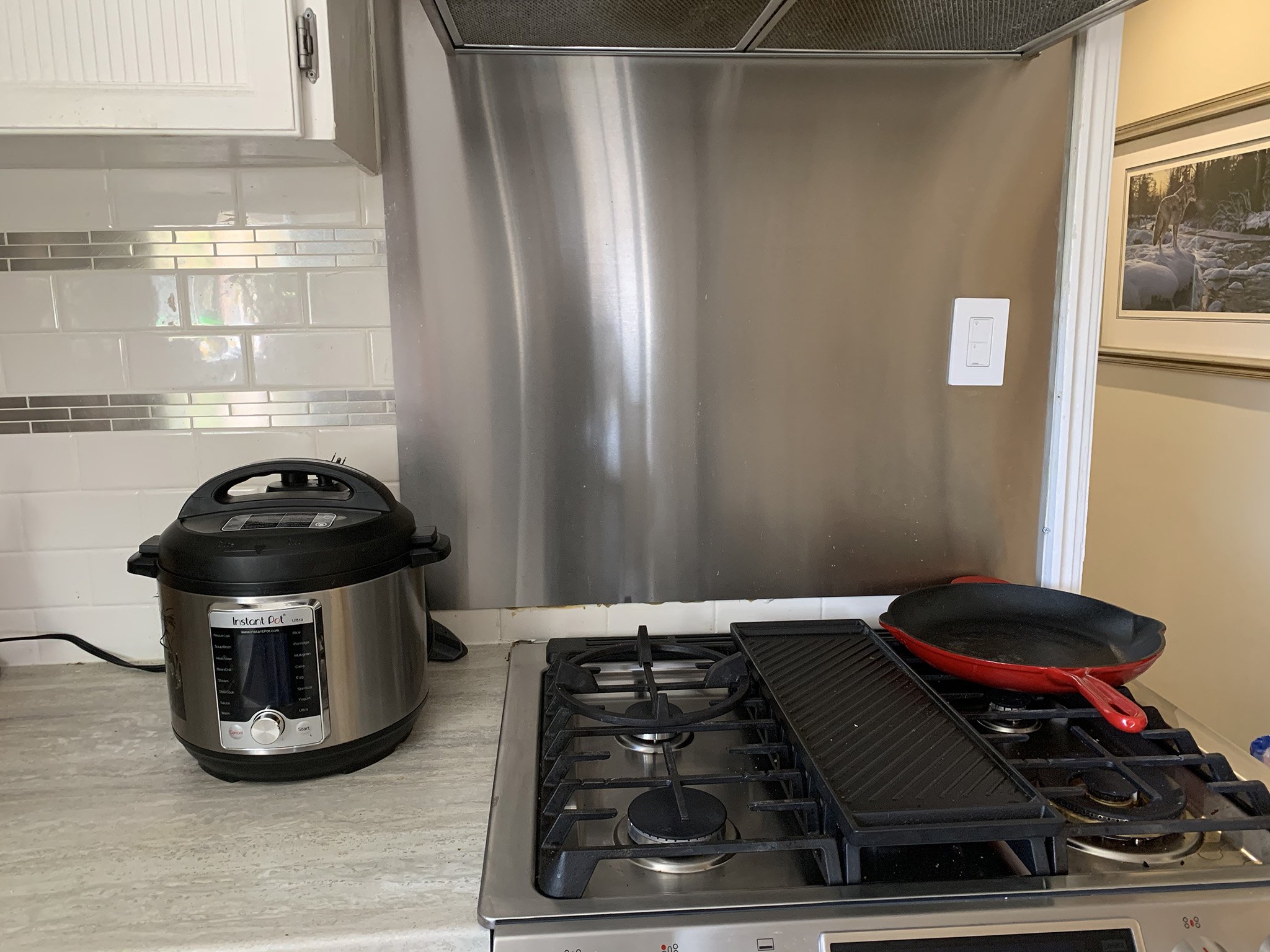
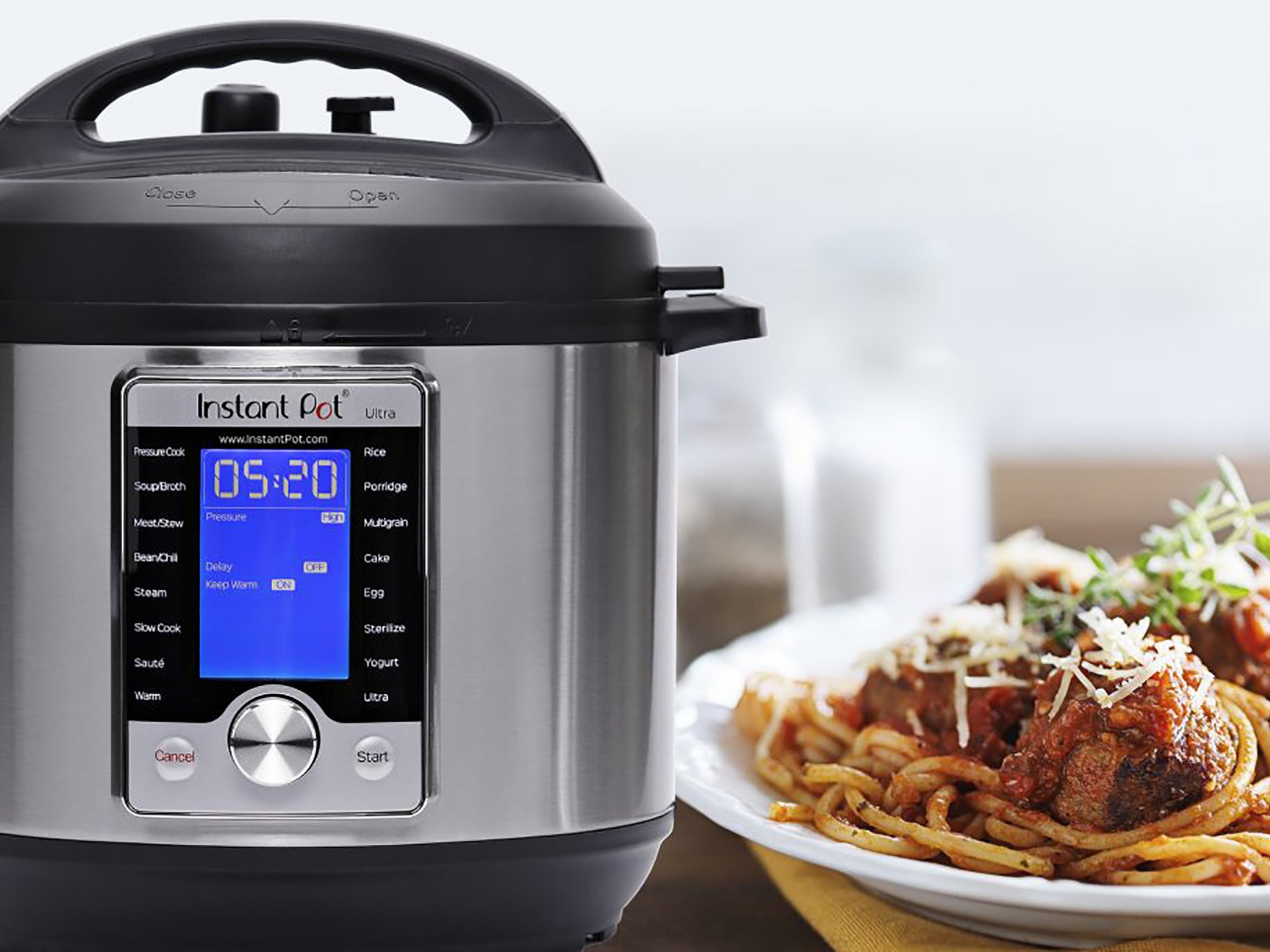
I spend a lot of time in the kitchen, and one of my favorite small appliances is my Instant Pot Ultra 10-in-1. It's not only useful for cooking items you'd typically slow cook in a fraction of the time, but it's great to "set and forget," allowing you to dump in ingredients, then let them pressure cook until done, and be kept warm until you're ready to serve.

A lot of people who buy an Instant Pot leave it in the box for months because they're intimidated by it, but there's really no need to be. Once you get the hang of using it, it will become second nature. Here are some tips and tricks to keep in mind along the way that I've learned after several years of using mine on a weekly basis.

Use only the features you need
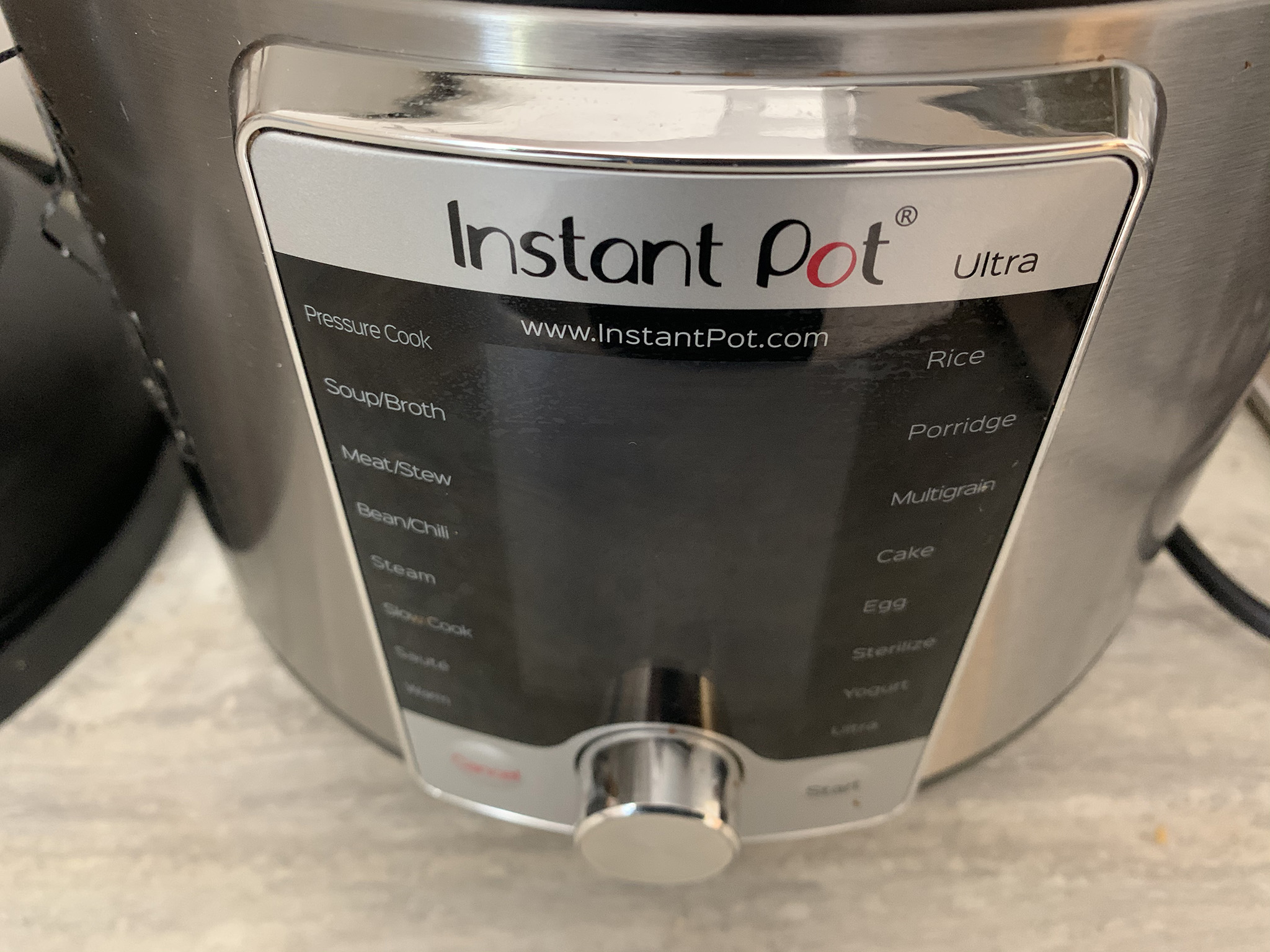
Starting off, you might find the number of buttons overwhelming. These vary from model to model, but usually include ones like Cake, Chili, Rice, Soup, and so on. Don't worry about all of those. After several years, I find I only use a handful of the buttons for most things, and in fact, haven't even used some of them at all!

For everyday cooking, there are two you will find most useful: Pressure Cook (named Manual on some models) and Saute. You can get by using just these two, and you won't be missing any of the benefits of the appliance. The buttons, with a couple of exceptions, are effectively pressure cooking at a pre-programmed temperature and time. But it's easy for you to enter your own time and just press the pressure cook button so that it cooks to your liking or recipe.

In most cases, you can simply throw meat and sauce inside and don't even need to saute first. But if you like, like with ground beef for stroganoff (one of my favorite Instant Pot recipes) or to sear pork tenderloin or chicken breasts, do it right in the Pot, then switch to Pressure Cook and continue the recipe.

Always use the high setting for slow cooking

One of the most common things people say they don't like about the Instant Pot is that it isn't a very powerful slow cooker. Some even go so far as to warn users against even bothering with this function. Indeed, the Instant Pot's primary value is in cooking food you would typically slow cook, like pulled pork or stew, in a fraction of the time at high pressure with the same tender results. But you can absolutely still use it as a slow cooker, too.

If you want to be able to use the Pot as a slow cooker, don't listen to the naysayers. Do it! The most important thing is that you switch to the High temperature setting. High Slow Cook on an Instant Pot is the equivalent to Low or Medium on a standard slow cooker. The low temperature on an Instant Pot will simply keep food warm, but it won't really cook it.

Try homemade yogurt
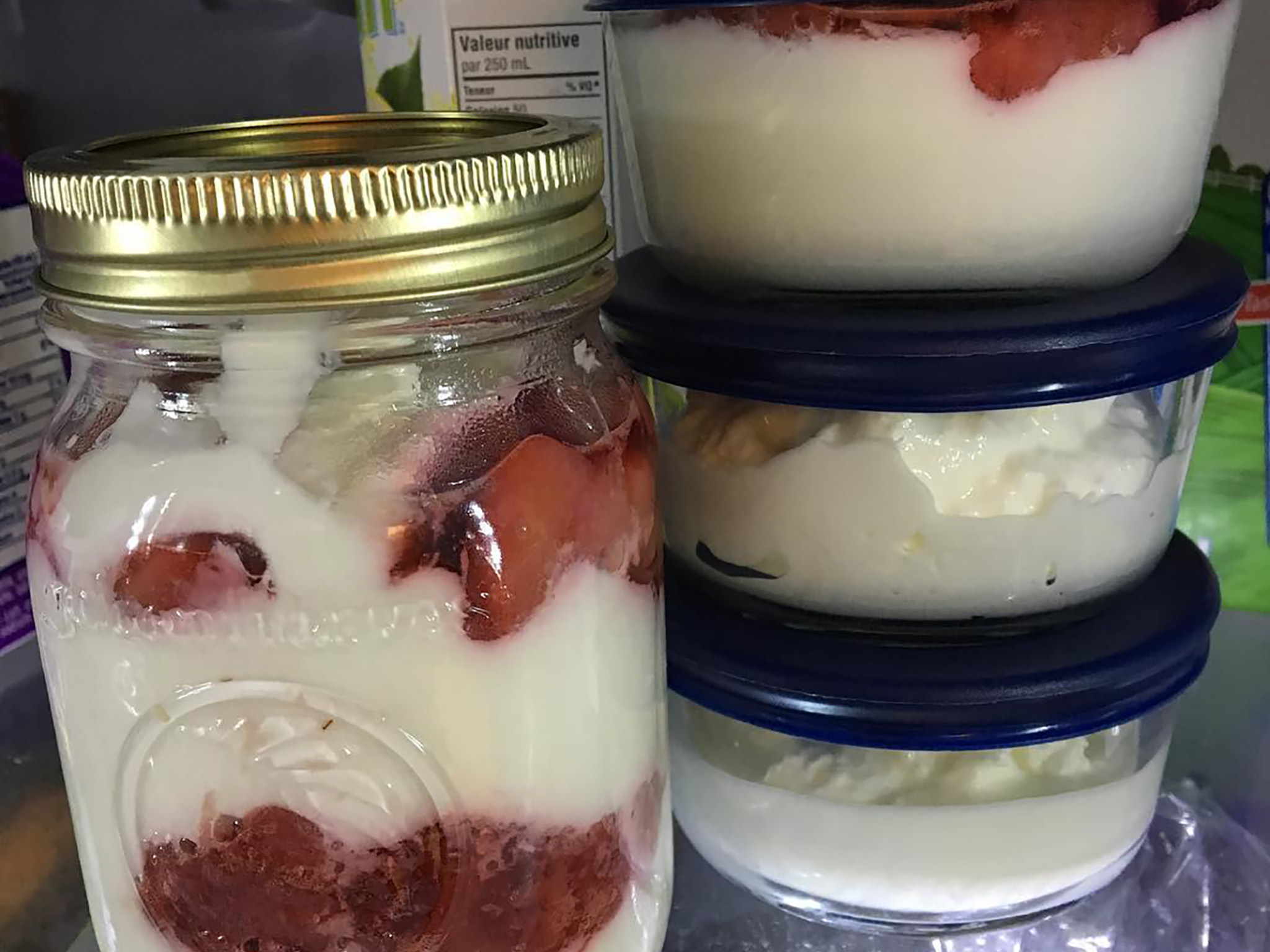
If you have a model that has the yogurt button, try it! It's not difficult, though it does take a long time. All you need is whole milk, a yogurt starter (which can be a small spoon of plain store-bought yogurt, as long as it has active bacterial cultures), and a thermometer.

Once you go through the first few steps and ensure the temperature is just right, all you have to do is leave the Pot to do its work for 10 hours (more or less) depending on how thick and how sour you like your yogurt. Grab a strainer if you like thicker Greek-style yogurt, or bottle it up with your favorite fruit or other flavorings, and you'll be amazed at how much yogurt you get from a one-liter jug of milk.

Always factor in coming to pressure and manual release times

You might think you can get dinner on the table in 10 minutes when you see that you can pressure cook something in just 8 minutes. But keep in mind that the Pot can take up to 10 minutes to come to pressure to begin with.

Then, if the recipe calls for a "natural pressure release," that means letting the pressure slowly release from the Pot on its own versus pressing the vent and forcing it out of the spout, which Instant Pot fans know as a "manual pressure release." You'll usually want to do a natural pressure release with certain cuts of meat, for example, to prevent them from drying out. It can take the Pot up to another 10-15 minutes to naturally release pressure so factor that time into your recipes.

Invest in a second ring
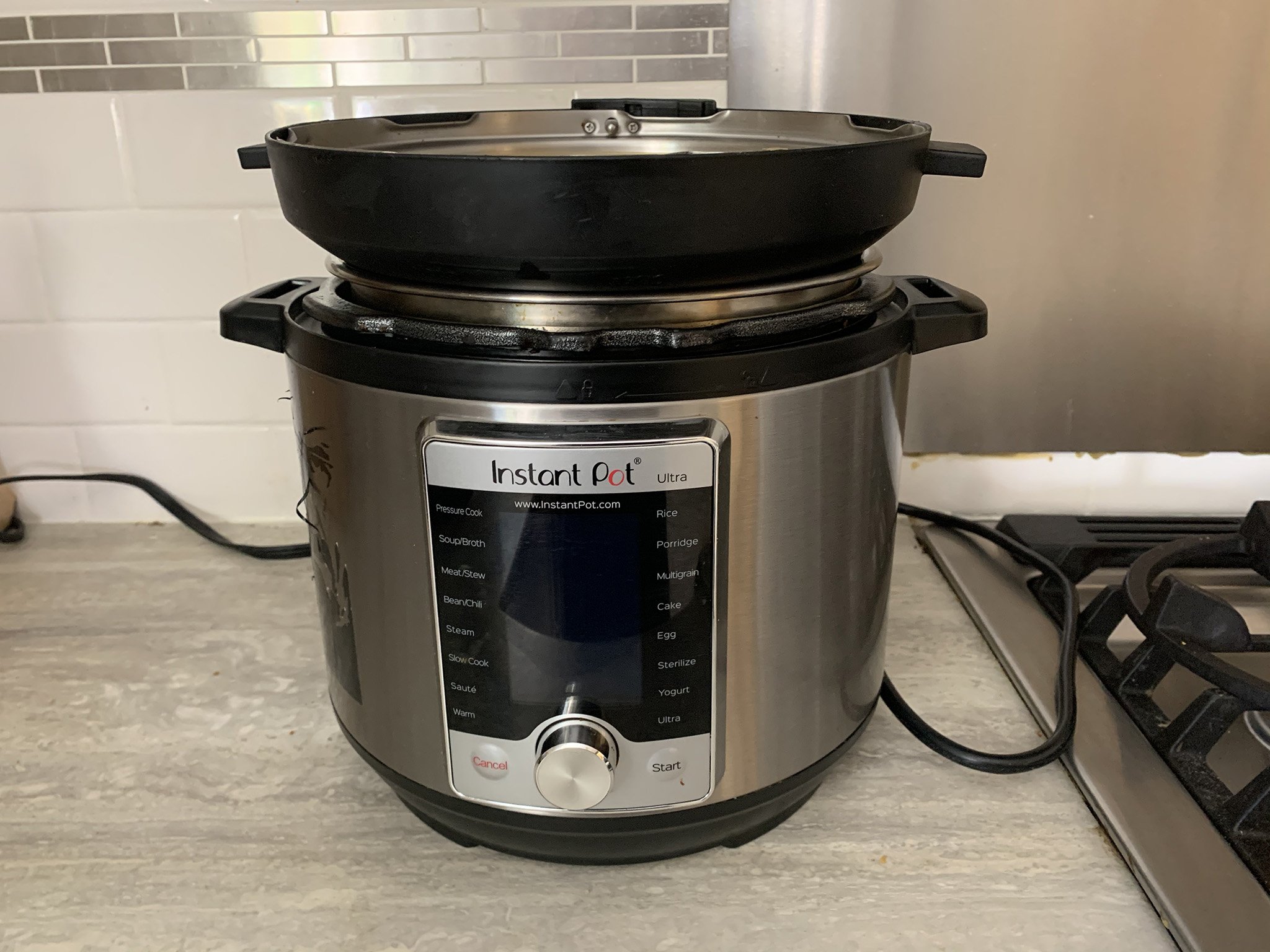
The ring, which runs around the perimeter of the lid to ensure it seals to the Pot while pressure cooking, will pick up the smell of every food you cook in the Pot. And it is tough to get the smell out. While it doesn't seem to transfer a taste to foods, some people like to have multiple rings and use one for dinners and one for desserts.

You can also try soaking the ring in hot water and baking soda to try and get the smell of extremely pungent foods out, but this doesn't always work. One tip I've found that helps with the odor is to store the lid upside down on the Pot when you're not using it. This helps the smell to dissipate versus keeping it locked up and sealed inside the Pot.

Convert slow cooker meals

One of the biggest advantages with the Pot is that you can slow cook food that would often take you all day in far less time. You can pressure cook flank steak, for example, in 35-40 minutes and have it just as tender for tacos as it would be if you had slow cooked it all day.

If you do this, however, make sure not to cook vegetables at the same time as they will turn to mush at high pressure. Instead, take the meat or poultry out when it's done and while it's resting, pop the veggies and potatoes in the pot and steam them on their own. You can steam vegetables like fresh broccoli in one minute! And with the Pot already warm, it will take less time to come to pressure. This means that the side dishes will be ready by the time the meat has rested.

Cook from frozen
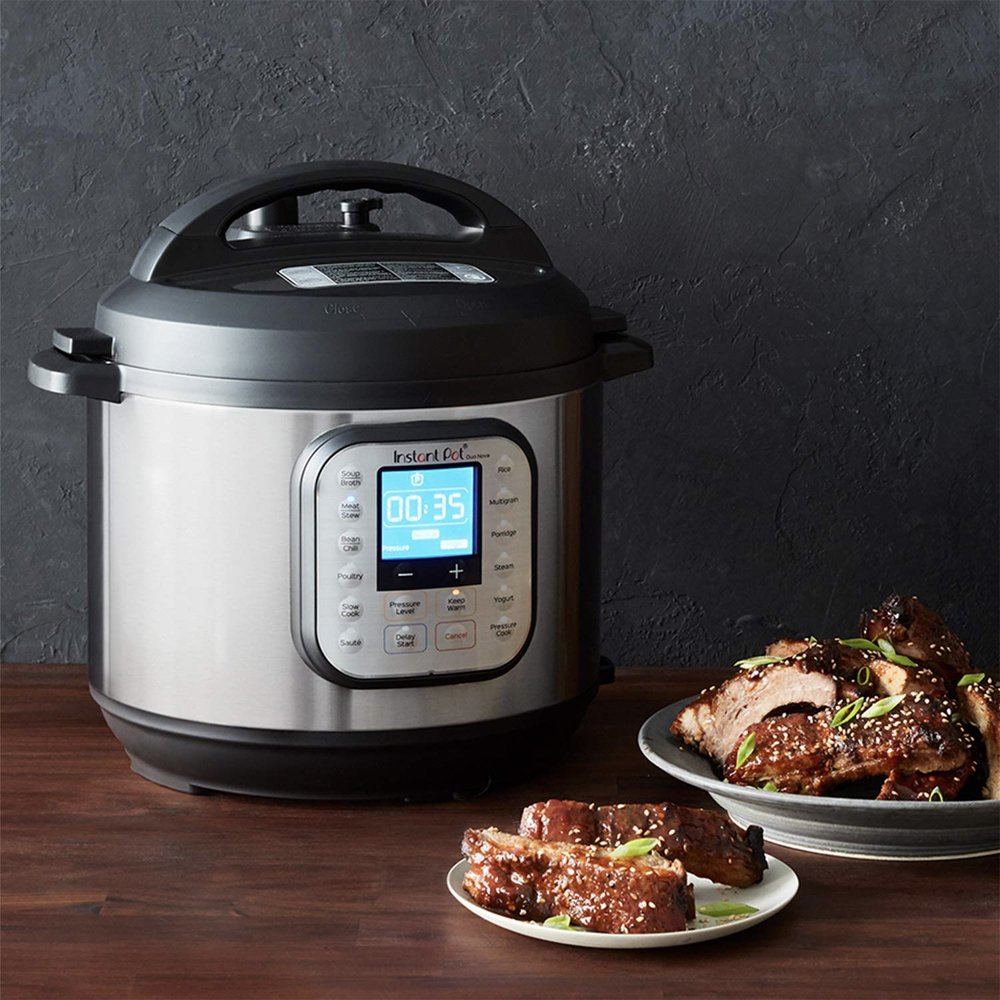
Another great benefit of the Pot is that you can pop meat, chicken, fish, or other ingredients into it and cook right from frozen. This allows you to make a meal even if you forget to take the chicken out of the freezer the night before.

When cooking from frozen, you don't actually need to add any time to the cooking time of your recipe. Instead, the Pot will just take a bit longer to come to pressure. Sometimes I want to be extra careful with foods like chicken, so I'll just add an extra minute or two to the cooking time when I'm using frozen poultry.

That groove has a use

It's hilarious to see that "mind blown" moment when novice Instant Pot users discover this handy design bit that many don't figure out for months. On each side of the top of the Pot is a rectangular groove. That groove is designed for inserting the lid when you open the Pot after cooking so it can stay neatly in place while you dish things out.

The lid has a rectangular protrusion on either side that is explicitly designed to fit in that spot. Neat!

Use it as a secondary cooking device
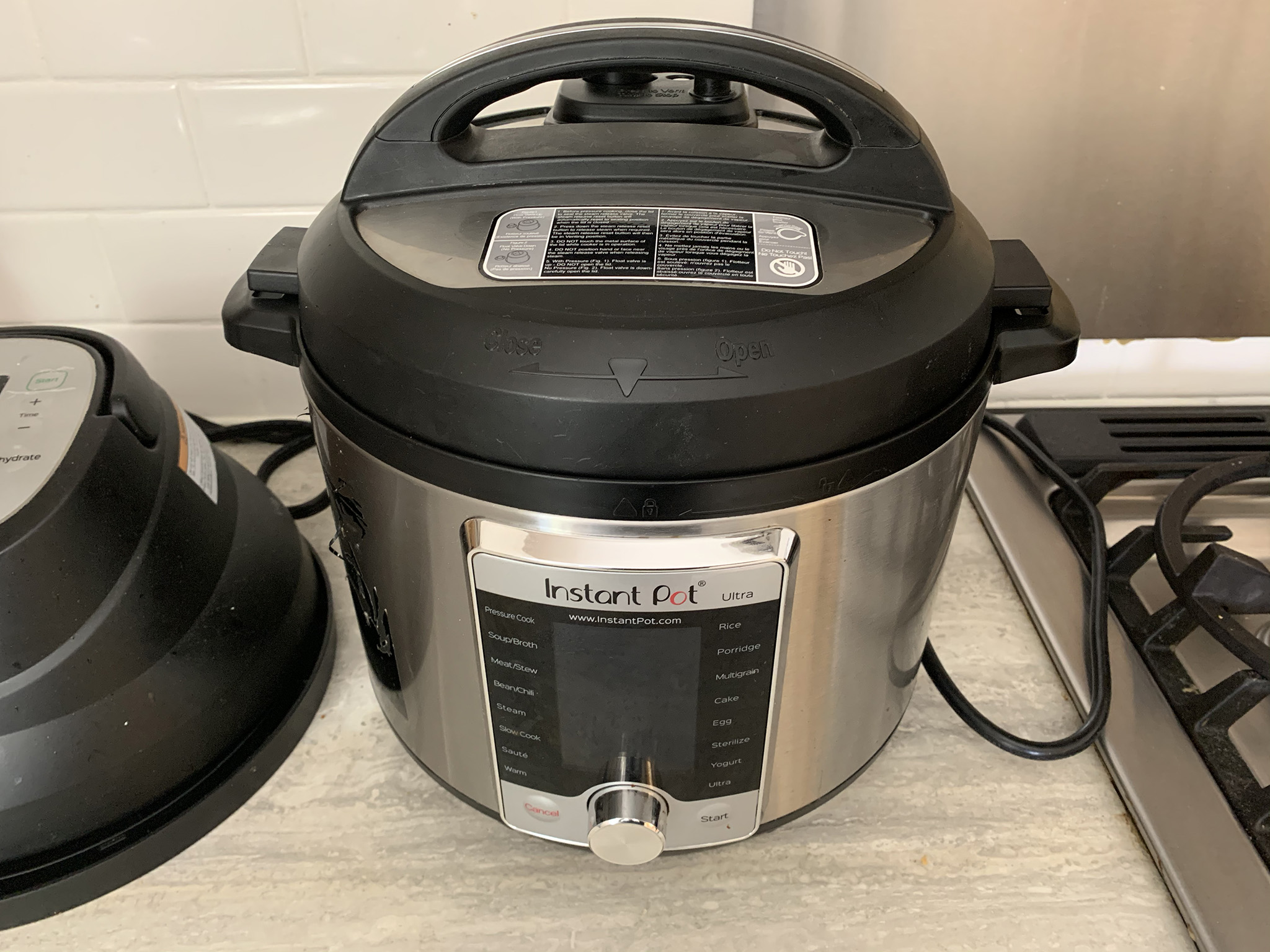
If you host a lot of parties, you have probably run into an issue where you can't cook everything you want because you only have one oven and four stovetop burners. Then people come by with dishes they hope you can keep warm for them in the oven.

When I host big events, I always use my Instant Pot to cook one food, which frees up stove and oven space for other things. I'll make mac and cheese for the kids, for example, or scalloped potatoes for a side dish. The great thing about the Pot is that once it's done cooking, it can keep the food warm indefinitely using the Keep Warm button.

Always use Keep Warm
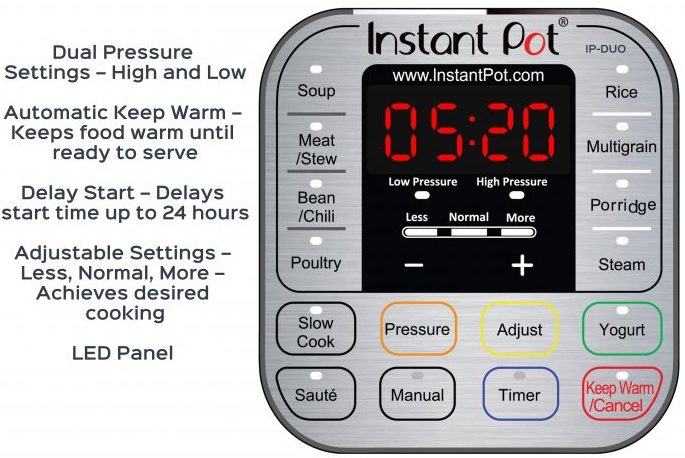
Which brings me to my next tip: make sure to activate the Keep Warm setting, so it kicks in whenever a cooking session is done. If you set something to cook while you popped out to the store and you got stuck in traffic on the way home, even if the cook is done, the Pot will continue to keep the food warm until you arrive back home.

This is also great if you've cooked and your partner is going to be home late, for example. It allows you to "set it and forget it," having dinner cooking while you tend to other things in the house without worry that you have to turn the Pot off when the cook is done to prevent the meat from burning.

Position it by a vent

Sometimes recipes call for a manual release; this means you that need to press the little valve at the top and let the steam come out, similar to a regular pressure cooker. But watch out, because the steam comes out fast, furious, and hot! Most people like to position their Instant Pots on the counter under a cabinet. But if you let all this steam rise and go on the underside of your cabinet, it can cause damage over time.

Try to put your Instant Pot near the vent in your kitchen so the vent can suck up the steam and direct it out of the house. If this isn't possible due to your kitchen set-up, at least use a cloth or paper towel to position loosely over the vent to redirect the steam from going right onto your cabinets or ceiling. Just don't put your hand close to the valve while steam is coming out,as it's hot!

Prep ahead to save time
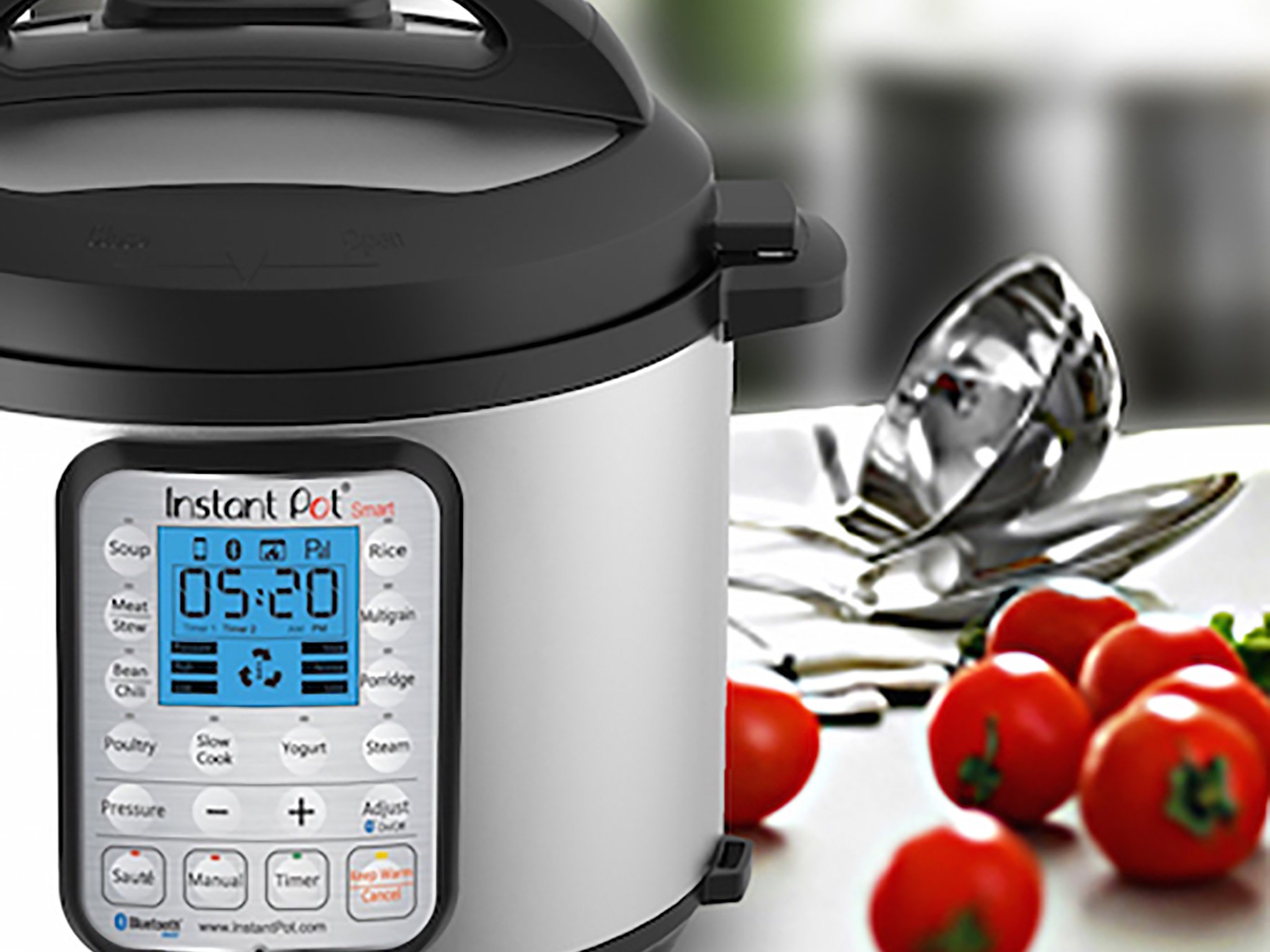
If you really want to save time, prep Instant Pot meals ahead of time, including chopping vegetables or potatoes, and mixing sauces (anything you put in the Pot requires at least one cup of liquid even if it's just water under a trivet). There are so many "dump and go" meals that you can get done in a flash and with little effort if you do the prep work ahead of time.

Try dedicating every Sunday, for example, to prepping veggies and sauces, then storing them in airtight containers in the refrigerator or freezer with labels and dates. Pop one into the Pot, cook for the appropriate time, and it's ready when you are!

Add more spices
Sometimes you might find that your foods come out bland. Because of the high pressure the Pot cooks at, sometimes the seasoning can get lost. So always add more than you think you'll need to ensure that your meal satisfies your taste buds.

This might require that you experiment a bit to find the perfect recipe. But don't get discouraged if you pressure cook something that always turns out great in your slow cooker but doesn't taste the same. It might just be that you need to double the seasoning.

Invest in accessories

You'll find that once you get used to using the Instant Pot, you'll start researching and wanting to get your hands on tons of accessories for it.

Alongside an extra ring, other accessories that can come in handy for an Instant Pot include a tempered glass lid for using the Pot to do things like pop popcorn, a silicone egg mold pan for making your own egg bites, an egg tray for hard-boiling eggs (many Instant Pot fans swear it's the best way to hard boil eggs), a small springform pan for baking cakes, a mesh steamer basket for things like vegetables, and more.

Our pick

Instant Pot 6 Quart Duo 7-in-1 Pressure Cooker
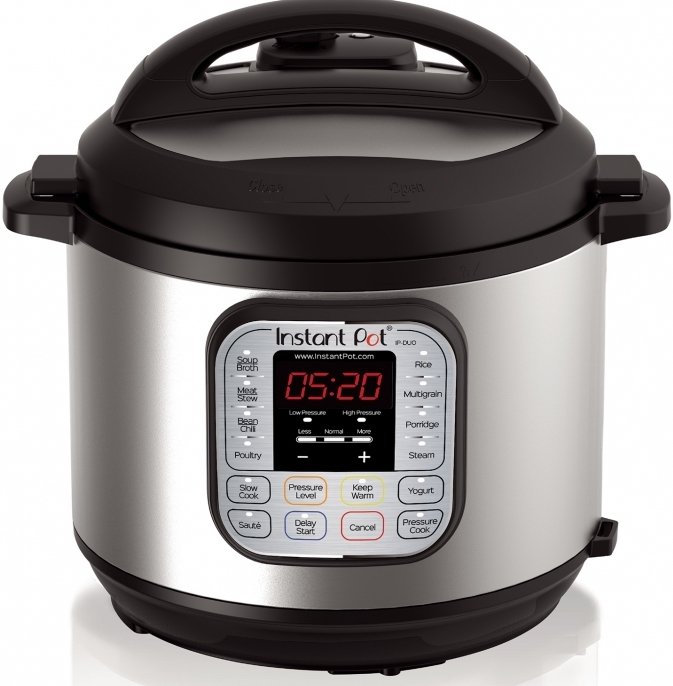
$80 at Amazon $80 at Target

Will meet all your needs

This version of the Instant Pot is one of the best, with auto-locking of the vent when the lid goes on and every cooking option imaginable, including yogurt; and 6-quart is the perfect size for up to a family of five or a single individual who wants to keep leftovers.
US poll suggests Americans sharply divided on use of contact tracing apps

50% of polled smartphone users say they would use it, 50% said they wouldn't...

What you need to know

  • The Washington Post has conducted a random national poll.
  • They asked participants whether they would use a smartphone app to help trace the spread of the virus.
  • The results suggest opinion is sharply divided on the matter.

A recent Washington Post poll has shown that Americans are sharply divided over the prospect of using a contact tracing app to track whether they had been put at risk of infection.

Results of the poll were published this week, in which 1,008 adults were surveyed at random over the phone.

They were asked questions about how they rated the response of President Trump and their state governor to the virus, as well as whether they were worried about being infected by the virus. (If you're interested, 60% said they were either 'somewhat' or 'very' worried.

One of the possible solutions to the pandemic is the use of contact tracing, whereby smartphones are used to determine if you've been in contact with someone who may have had COVID-19. Participants were asked:

Apple and Google have proposed creating a smartphone app that would tell users whether they have been physically close to someone who has been diagnosed with the coronavirus. The app would rely on people anonymously reporting if they have been diagnosed in the app. If this smartphone app were available today, would you definitely use it, probably use it, probably not use it or definitely not use it?

Now, only 82% of those surveyed had a smartphone. Of that number, exactly 50% said they either 'definitely' or 'probably' would use the app, and exactly 50% said they 'definitely' or 'probably' would not. Of all the adults surveyed, that translates as 41% yes, 41% no, and 18% of whom did not have a smartphone.

When asked whether people would be comfortable or uncomfortable with this app sharing a coronavirus diagnosis anonymously to inform people who had been close to them, 59% said they would be comfortable, and only 40% said they would uncomfortable. (1% said they had no opinion.)

These results are incredibly interesting because one of the key aspects of contact tracing is that it needs to be used by a large majority of the population (estimates usually state 80%) for it to be effective. As you'll note from this survey, that would mean that almost everyone with a smartphone would need to be on board with the idea, and that isn't the case. If this is truly representative, it would indicate that only around 41% of people would be happy to download a contact tracing app.

Do you agree, would you be happy to download a contact tracing app, or would you not? Perhaps you need more information about these apps, let us know in the poll below!

Charge faster with Anker's PowerLine II USB-C cable discounted to just $7

Anker's Powerline II USB-C to USB-C Cable is one of the more durable models you can get as it has the strength to last 12 times longer than standard cables with the ability to withstand over 12,000 bends during testing. While it normally sells for up to $12, today you can pick up the black version for only $6.99 when you buy via Anker's official eBay store. You'll see the discount in your cart and you get $5 off per cable you buy so you can add a bunch to your cart to save more.

This USB-C to USB-C 2.0 cable supports Power Delivery charging and is suitable for powering everything from smartphones like the latest Samsung Galaxy S10 devices to electronics like the Nintendo Switch and MacBook computers. It measures six feet long so you can use it comfortably without needing to be right beside wherever it's plugged into. The Powerline II is USB-IF certified and Anker even includes a lifetime warranty with its purchase, which is why they've dubbed it "the cable that's yours for life". At Amazon, almost 1,500 customers have left reviews for this charging cable resulting in a rating of 4.6 out of 5 stars.

If you don't have one already, you might want to pick up a USB wall adapter with Power Delivery to achieve a faster charge with this cable. Otherwise, you might still be stuck at slow charging speeds. Fortunately, Anker has a few of those on sale via its eBay store too. Meanwhile, for charging while on the go, our guide to the best power banks under $30 can help you find a portable battery charger worth bringing along on your trip.

Anker is offering free shipping with today's purchase. We don't know when this deal will expire, so don't miss it.

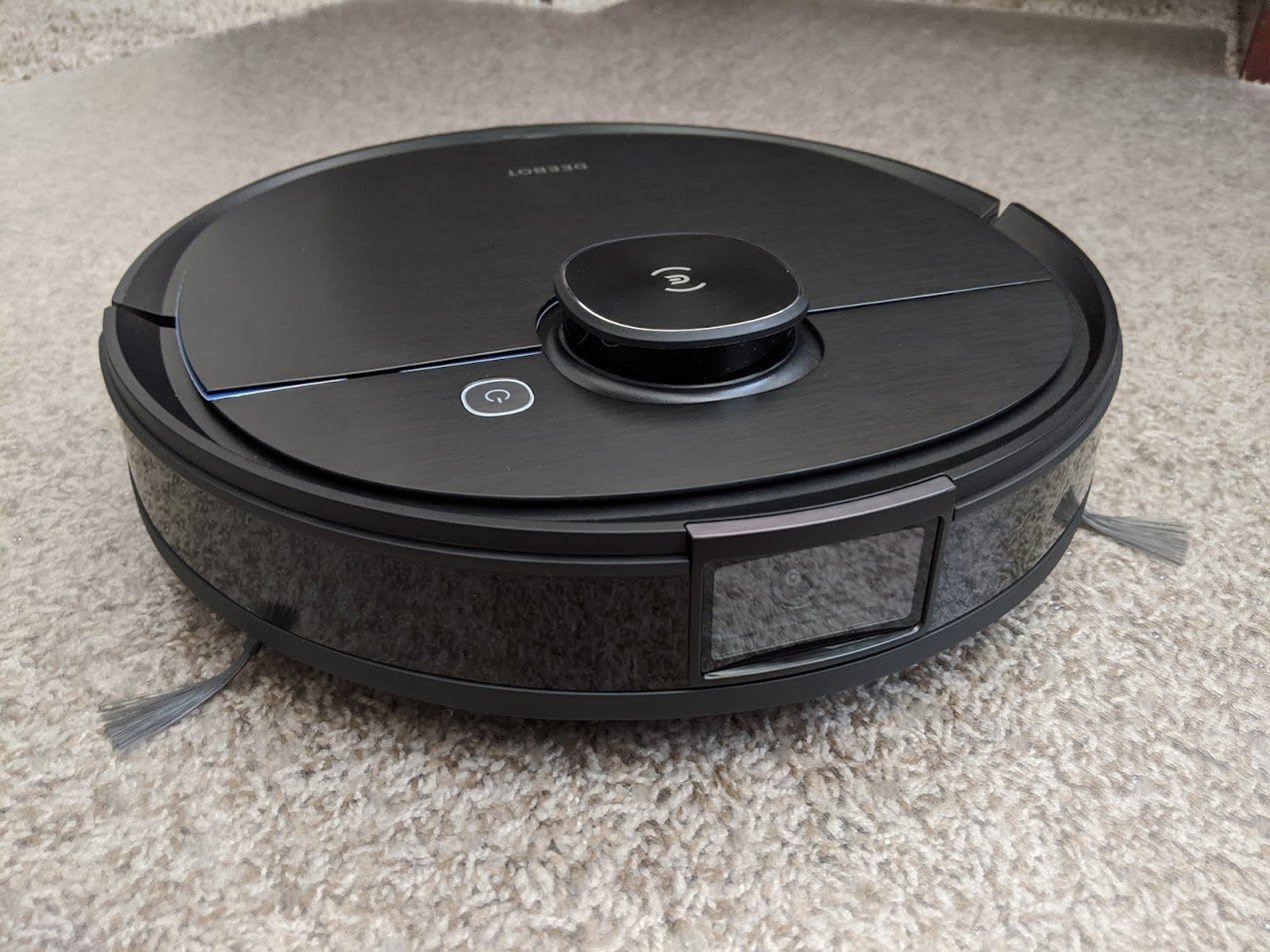
Deebot OZMO T8 AIVI's camera allows for accurate cleaning and monitoring

The on-board camera allows the unit to identify and avoid objects in its path for more accurate cleaning. It also allows you to check in on your home or pets while you're away.

Robot vacuum companies are constantly trying to find ways to distinguish their products from others while also making them more effective cleaners. As such, new technologies and abilities are frequently getting developed for these devices. One of the newest features to hit the robot vacuum industry is an on-board camera, which theoretically allows the unit to better identify and avoid objects in its path. The Ecovacs Robotics Deebot OZMO T8 AIVI is one such vacuum that has been designed with a camera.

I've spent several weeks evaluating this unit to see just how well it maneuvers around objects and cleans my home. It's definitely a powerful device that I can trust to effectively pick up dirt and debris from my floors, but it does have a few downsides. Here's my review of the Ecovacs Robotics Deebot OZMO T8 AIVI.

Ecovacs Robotics Deebot OZMO T8 AIVI

Bottom line: The Deebot OZMO T8 AIVI features a camera, which allows it to identify and maneuver around obstacles during it's cleaning sessions. It's a powerful cleaner that you can trust to get the job done. The unit also allows you to monitor your home by accessing the camera and controlling the vacuum from the Ecovacs app.

Pros

  • Object recognition and avoidance
  • Learns and adapts to your home
  • Can control vacuum and see camera view from app
  • Up to 180 minutes of run time
  • Lets you set no-go and no-mop zones
  • Powerful suction and orderly cleaning
  • Intuitive app
  • Casing doesn't get very dirty

Cons

  • Object detection isn't perfect
  • No sliding camera cover

$800 at Best Buy

Ecovacs Deebot OZMO T8 AIVI What I like

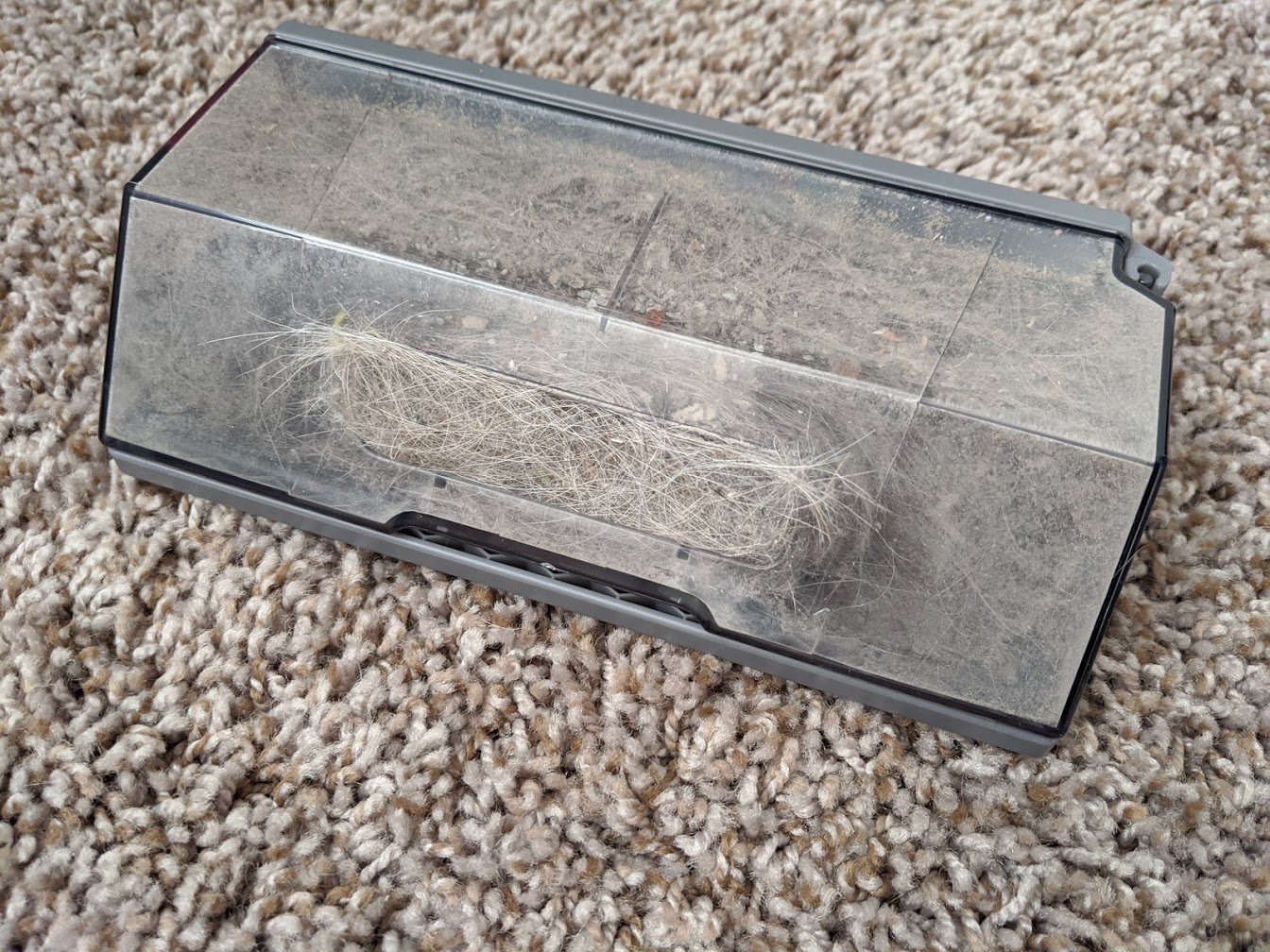
Having this vacuum in my home has been a huge relief for me seeing as how I have a messy cat and dog who are constantly tracking in dirt, shedding all over the place, or moving things around. Whenever the OZMO T8 AIVI makes the rounds, it always sucks in tons of pet fur, kitty litter, pet food, fine dust particles, and other debris from my house. It can also tell when my Corgi's chew toy is in the middle of the room and moves around it instead of running into it.

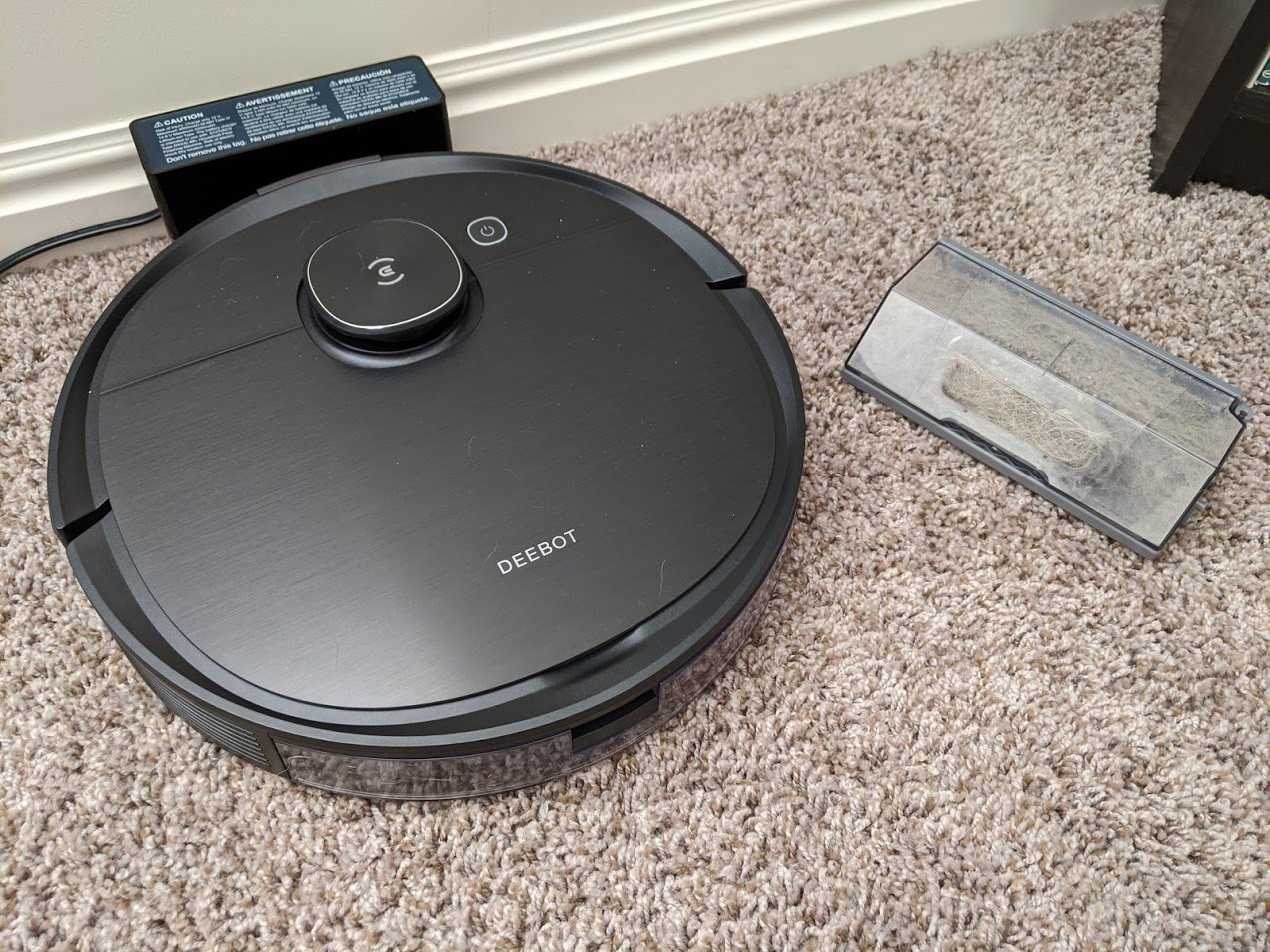
On top of that, whatever the material the casing is made of doesn't attract as much dust as many of the other vacuums I've tested, which means that the unit doesn't look dirty all the time. What's more, it has a long battery life of up to three hours and always vacuums by outlining a room and then maneuvering back and forth within that outlined area for perfect vacuum lines. Coming home to that is seriously one of the best things about owning a smart vacuum like the OZMO T8 AIVI. Here are some of the other things that I love about this vacuum.

Object detection Maneuvers around obstacles

The thing that sets this vacuum apart from other Ecovacs is the included camera and object detection capabilities. To test how well these features worked, I placed various objects in the vacuum's path to see how it would respond. The device doesn't always work perfectly, but it moves around items better than many other robot vacuums out there. The app allows you to view a map of your home and tells you where the vacuum ran into an obstacle. It even tries to identify the object. Although, most of the objects get mislabeled as shoes, especially more uniquely-shaped obstacles.

The device doesn't always work perfectly, but it moves around items better than many other robot vacuums out there.

It's very interesting watching the machine attempt trial and error before figuring out a safe way around an obstacle. For instance, I placed a shoe in my hallway and watched as the vacuum approached, detected the shoe, maneuvered to a new position, attempted another approach, and then maneuvered again, until it was finally able to spot a safe way past it. It still bumps larger objects while getting around them, but it doesn't bulldoze into them or drag them around the house like some other vacuums do.

I still need to tidy up charging cables, toys, or other small objects before allowing the unit to run. Otherwise, it might get stuck or suck things up that I don't want it to. It also maps out your home, which allows you two setup no-go zones or no-mop zones directly from the app for customized cleaning sessions. Because of this, I can trust the Deebot OZMO T8 AIVI to clean without causing damage or sucking up anything it shouldn't as long as I tidy up ahead of time. And that's a huge relief.

Pet and security cam Monitor your home while you're away

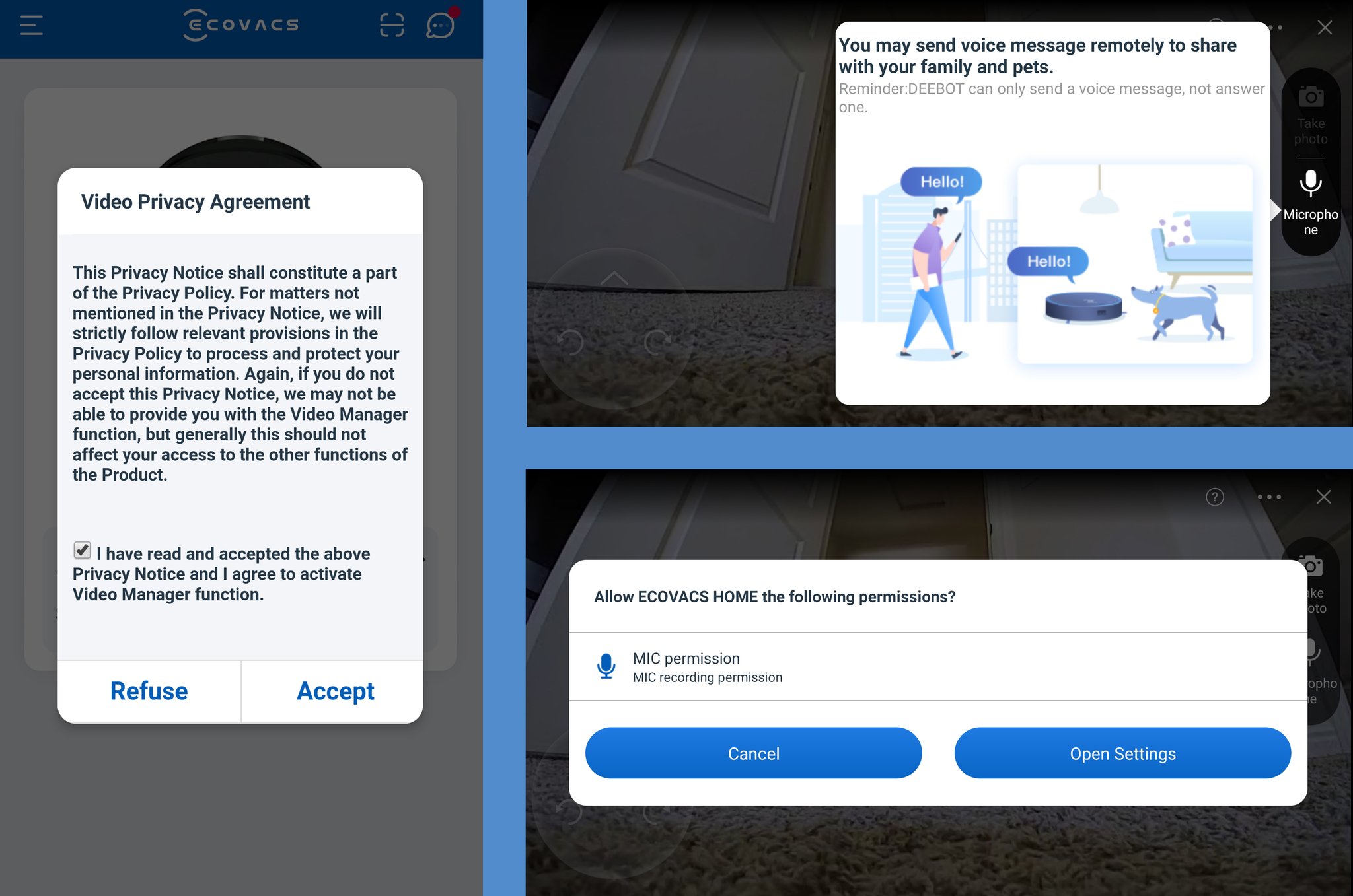
I was surprised to find that the Ecovacs app not only allowed me to control the vacuum but also let me view the camera feed while doing so. To get this function to work, I had to give the unit permission by agreeing to the Video Privacy Agreement and allowing the app to access my phone's storage and microphone. Once that was done, all I had to do was access the Video Butler section of the app. And by the way, the app is super easy to navigate and use.

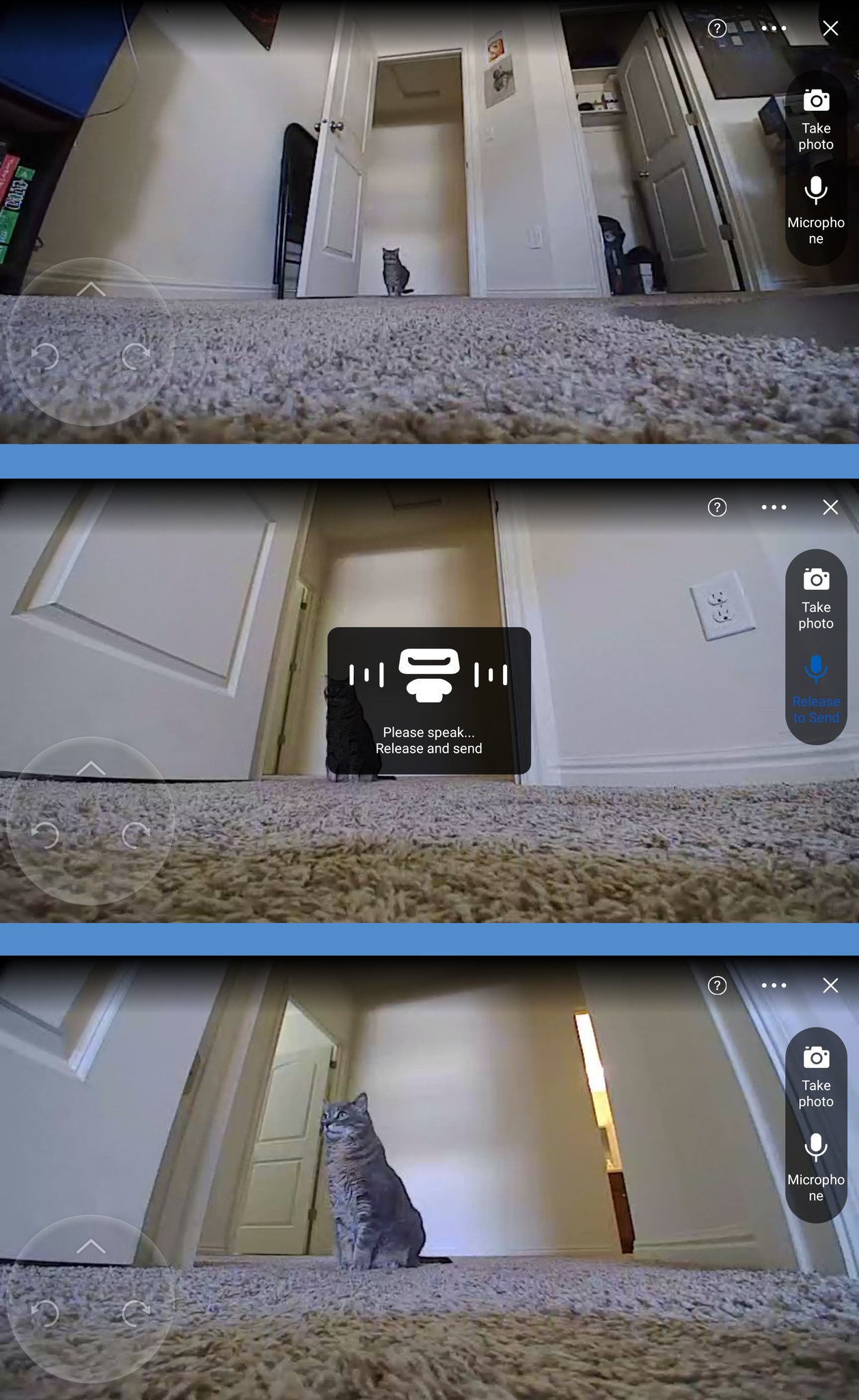
My cat, Misty, lives up to the curious stereotype and always has to follow robot vacuums around while they clean my house. So of course, the first thing I did was stalk my cat using the OZMO T8 AIVI to see how she'd react. I was able to follow her pretty well using the controls.

The app lets me rotate the vacuum left or right or go forward, but there is no backward button. They aren't the best controls, but they really aren't bad for getting around your home. The Video Butler also lets me take pictures, which get saved to my phone. There's even a microphone button which relays anything I say to the vacuum's on-board speakers at a decent volume. This allowed me to talk to my cat while I was away from the house, although I can't say for sure whether or not she found that pleasant or just startling. On that note, if you're using this feature and discover an intruder in your home, you could probably use the microphone to scare them out of your house.

After playing with my cat, I drove the unit to various rooms. Theoretically, consumers can do this to look for messes that they want the vacuum to clean, or they can use it to check up on their house while they're on vacation or at work. This effectively means that the Deebot OZMO T8 AIVI is not just a vacuum but is a security camera and a pet camera as well. That's a pretty sweet combo.

Ecovacs Deebot OZMO T8 AIVI What I don't like

This is a very impressive robot vacuum, but it isn't perfect. Here are the things I didn't like about the Deebot OZMO T8 AIVI.

Object detection isn't perfect Still sucks things up that it shouldn't

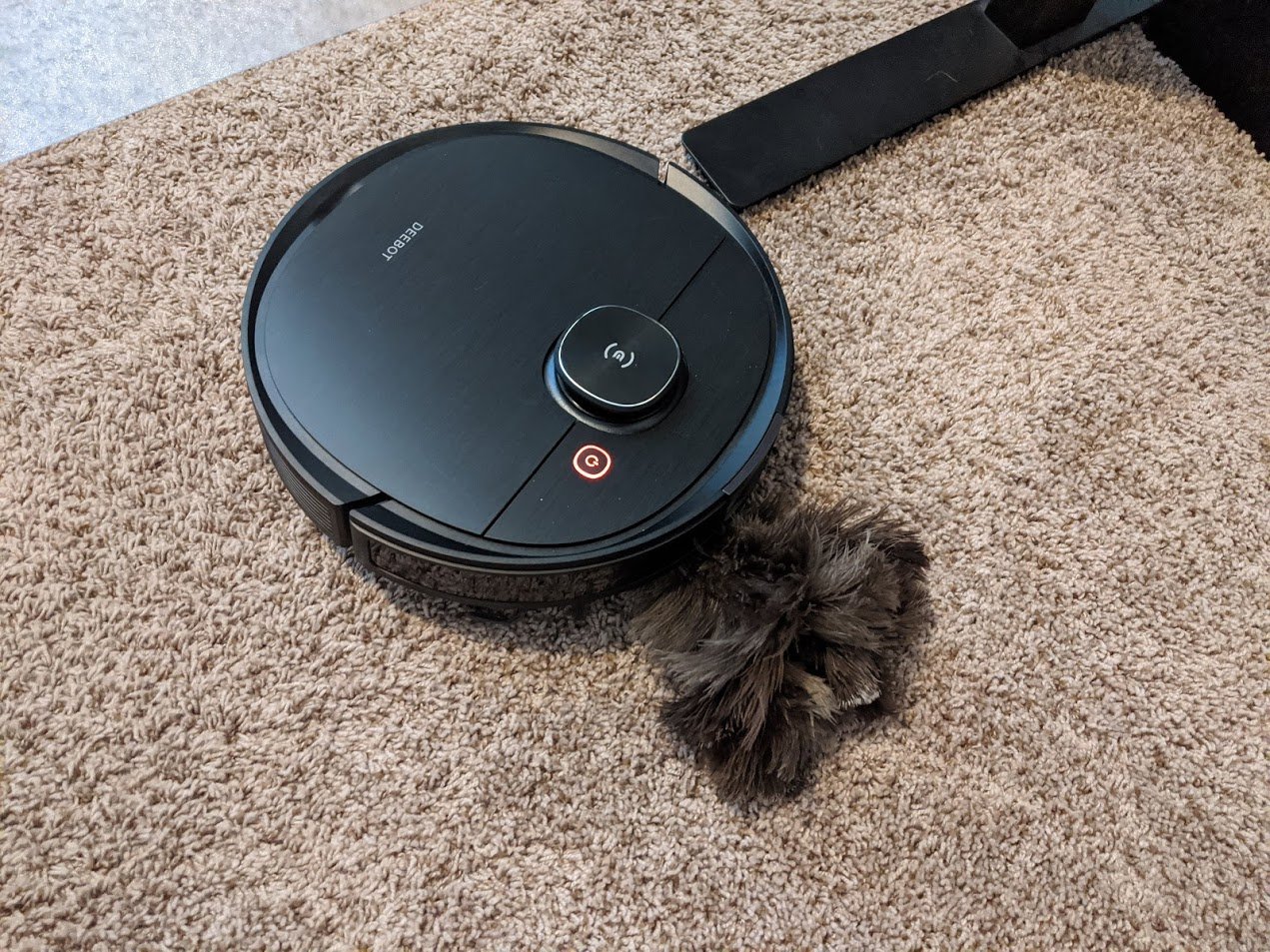
At one point while I was testing the Deebot OZMO T8 AIVI, I got a notification on my phone telling me that I needed to clean the unit since dust was obstructing the sensors. I located the vacuum only to find that my feather duster was stuck in the main brush. As ironic as this situation was, I was disappointed that the camera hadn't helped the vacuum avoid such a large object. But then again, maybe this was intentional and the Deebot was just trying to take out the competition.

This was the biggest problem the vacuum faced in the weeks that I tested it. Although, it also took longer to get around some smaller items in my house, especially in dark locations like with the shoes under my bed. However, for the most part, this unit was able to detect and then carefully drive around larger objects in my home, which is more than I can say for several other robot vacuums I've tested.

Camera and control delay Sluggish response

The camera often cut out while the robot vacuum was moving.

I have a very good internet connection in my home, so I was upset when I saw just how slow the OZMO T8 AIVI responded to my commands when I was in Video Butler mode. Granted, it wasn't always slow, but it happened a notable number of times. Even when I was standing right beside the unit, it sometimes took several seconds to a minute for the vacuum to move after I had tapped on the controls. In addition to that, the camera often cut out while the robot vacuum was moving, so I'd have to stop and wait for the video feed to show back up before tapping any more controls. After all, I wouldn't want to accidentally run into anything or drive this expensive device off the stairs.

You can still use the vacuum to interact with your pets or monitor your home while you're away. You just might need to be patient when doing so, especially if you have a bad internet connection. I want to note that the vacuum never experienced a delay when operating without the camera. It was always quick to jump into action during the normal cleaning mode.

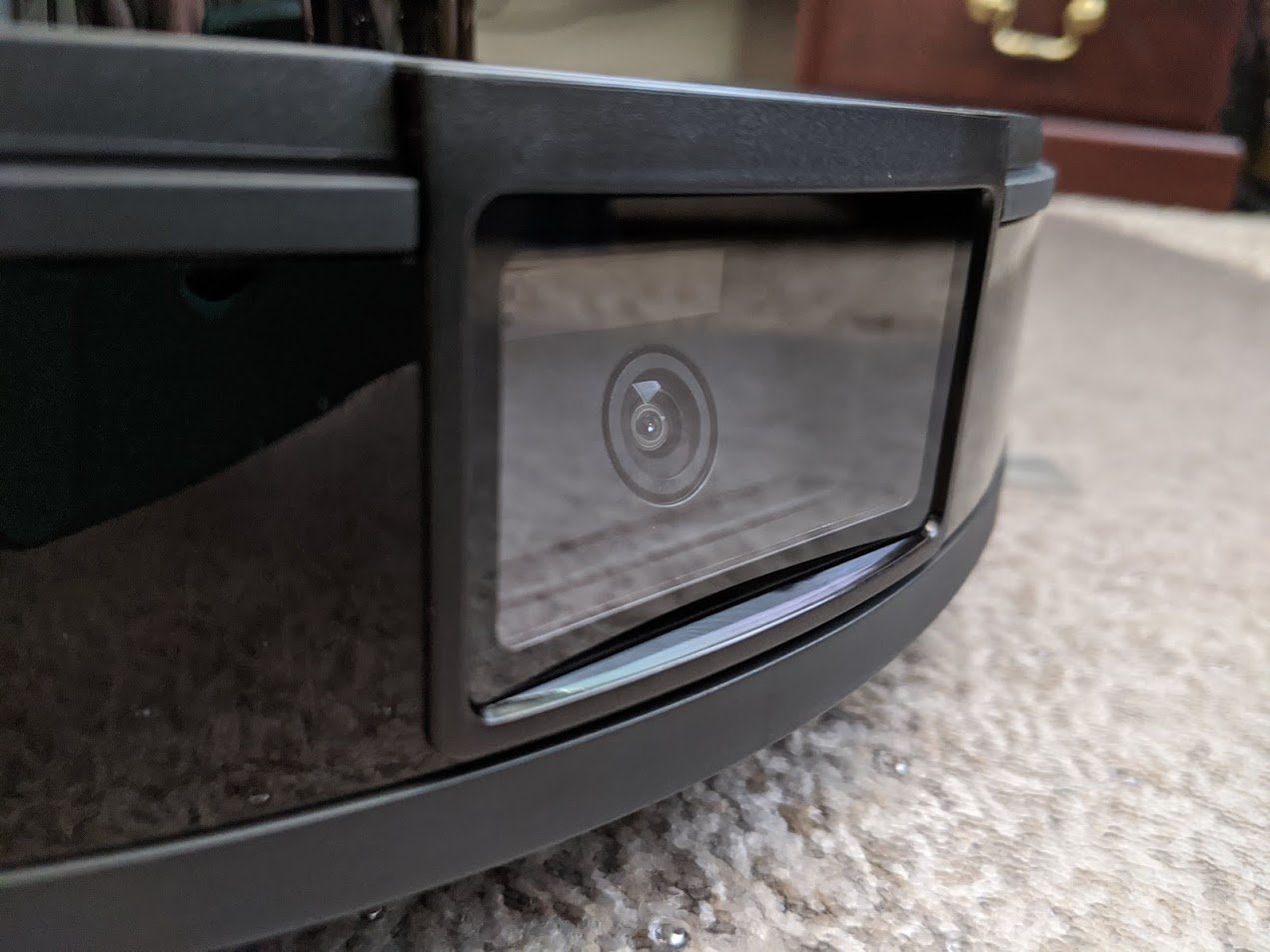
Permanent camera cover Should have been slideable

Since I can remotely control this unit and it has an on-board camera, I'm a little worried that someone might be able to hack into my account, access my OZMO T8 AIVI and then use it to peer around my home. This could be really bad if it wandered around while I was changing in my bedroom, for example.

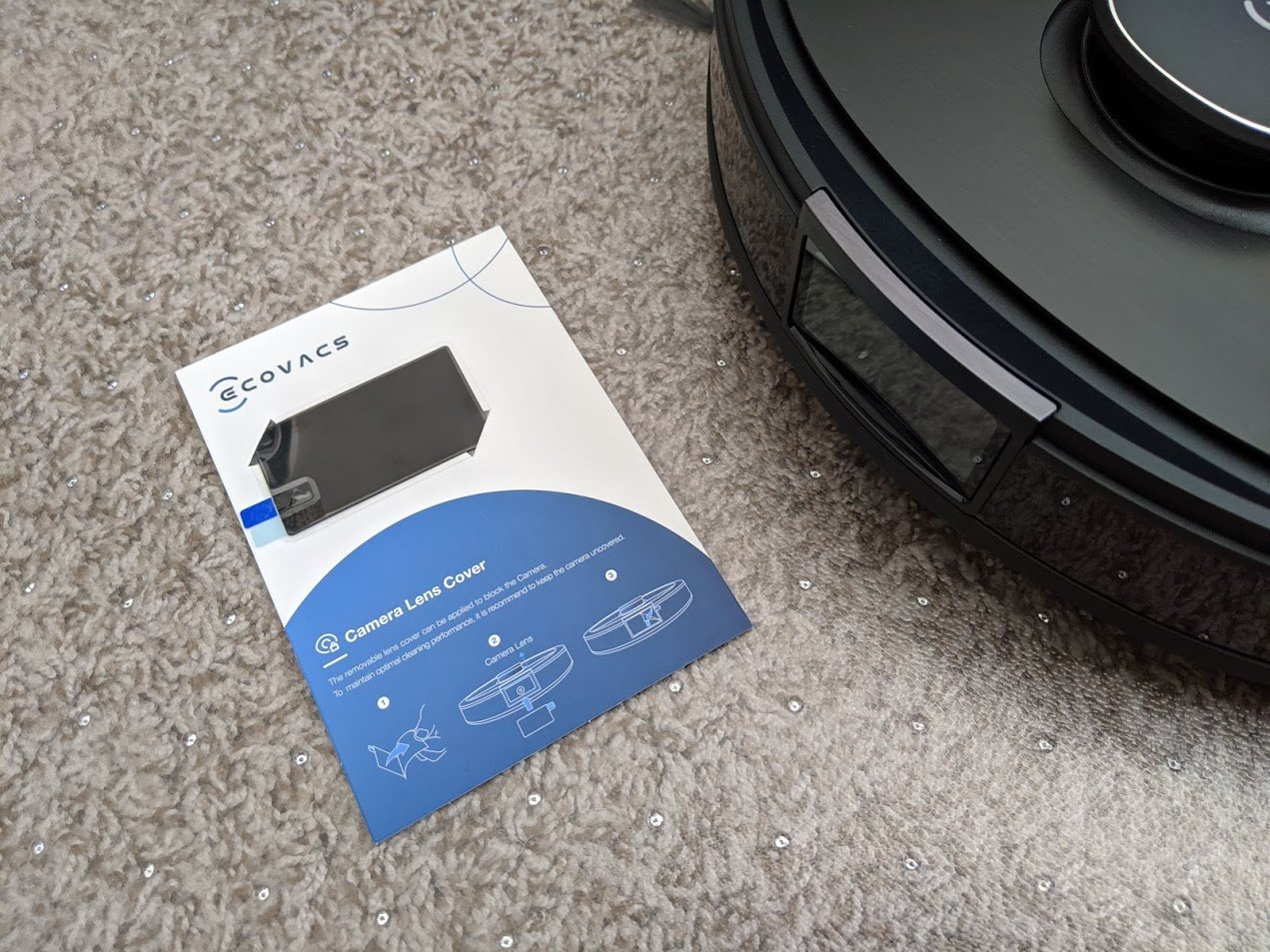
When I reviewed the Roborock S6 MaxV, a robot vacuum that also uses cameras to identify and navigate around objects in your home, my biggest complaint was that there was no included camera cover. Ecovacs did provide a camera cover in the Deebot OZMO T8 AIVI's box. However, it's a permanent adhesive instead of a slideable or removable one.

This seems like an afterthought. Obviously, if you're purchasing this more expensive unit, you're doing so because you want to take advantage of these advanced camera features. Otherwise you'd go with a less expensive unit. So, having a permanent camera cover is not a good solution.

Honestly, a manual camera cover should have been one of the first things that Ecovacs included in the initial design of this vacuum. But since that didn't happen, the company should have included a slideable or a removable camera cover, which I could put in place whenever I was done using the vacuum. As it is, I'm sure people are wary about bringing this particular robot vacuum into their homes.

Ecovacs Deebot OZMO T8 AIVI Should you buy it?

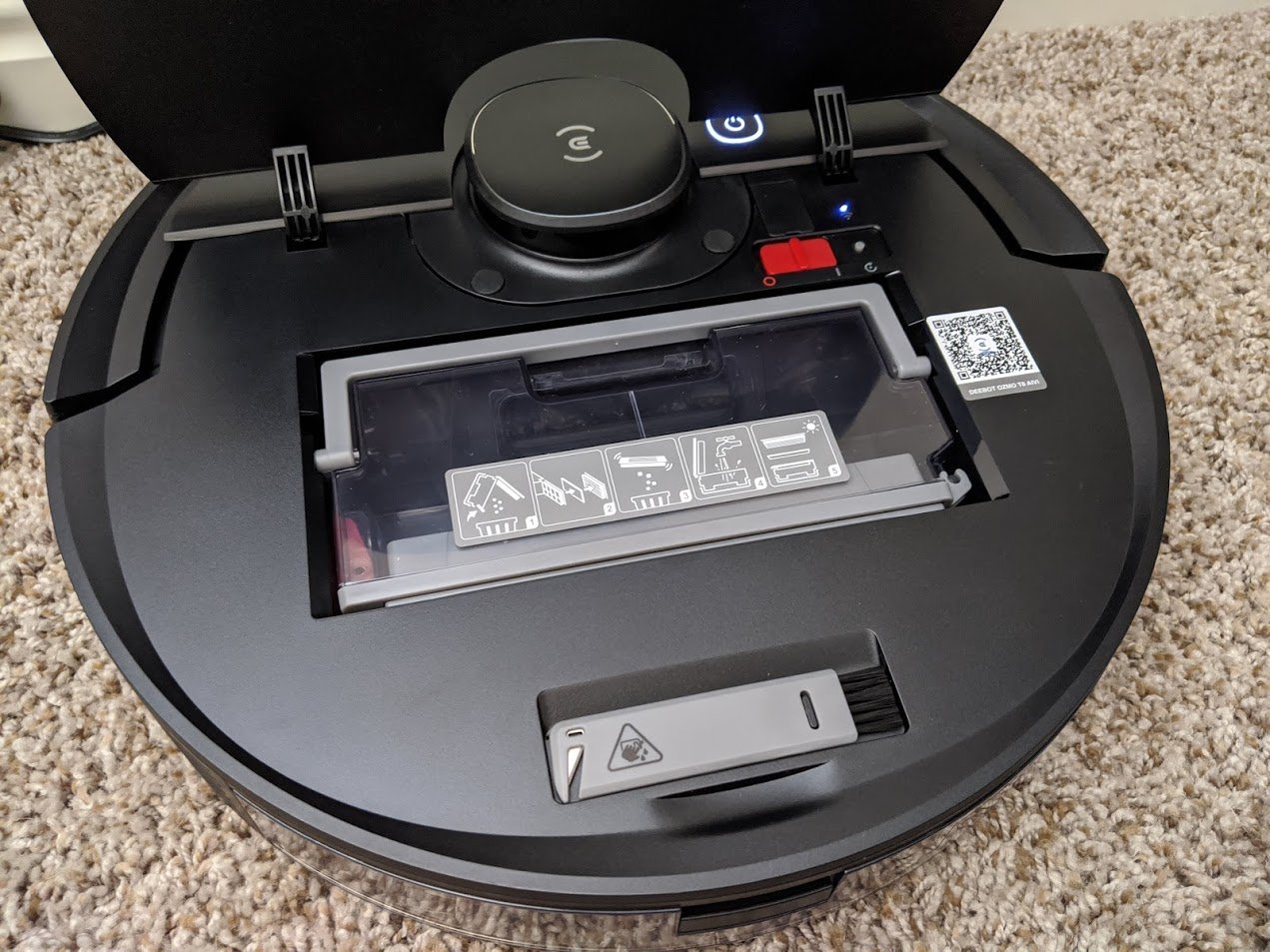
I personally grew to love this device during the few weeks I've been able to test it. I trust it more than many of the other robot vacuums that I'm currently testing as it does a better job of avoiding objects and doesn't crash into my walls. It has powerful suction, a decent-sized dustbin, and long battery life, which allows it to clean large stretches of my home in one go. It really is a reliable and powerful unit.

I wish I could just gush endlessly about it, but the device does have a few issues. For one thing, the object detection isn't perfect. You'll still need to pick up charger cables or other small items out of the vacuum's path. Additionally, allowing a roaming camera into your home is kind of scary, especially when you cannot manually block the lens. I would feel more comfortable giving this vacuum a higher rating if it had a slideable camera cover of some kind to protect the owner's privacy.

4.5 out of 5

That being said, being able to check in on your home or your pets while you're away is a fun perk of owning this unit. The Video Butler mode lets you navigate the unit wherever you'd like and gives you a live feed while doing so. If you aren't concerned about the potential privacy issue, this is really a great robot vacuum for your home.

Ecovacs Deebot OZMO T8 AIVI

$800 at Best Buy

Home monitoring and effective cleaning

The Deebot OZMO T8 AIVI features a camera, which allows it to identify and manuever around obstacles during it's cleaning sessions. It's a powerful cleaner that you can trust to get the job done. The unit also allows you to monitor your home by accessing the camera and controlling the vacuum from the Ecovacs app.

Alleged OnePlus Z hands-on image shows off a flat hole-punch display

The mid-range smartphone will have a slightly different design compared to the OnePlus 8 and 8 Pro.

What you need to know

  • An alleged image showing the rumored OnePlus Z in the flesh has leaked online.
  • The image shows a flat display with a centered hole-punch cutout.
  • OnePlus Z is rumored to be announced in July.

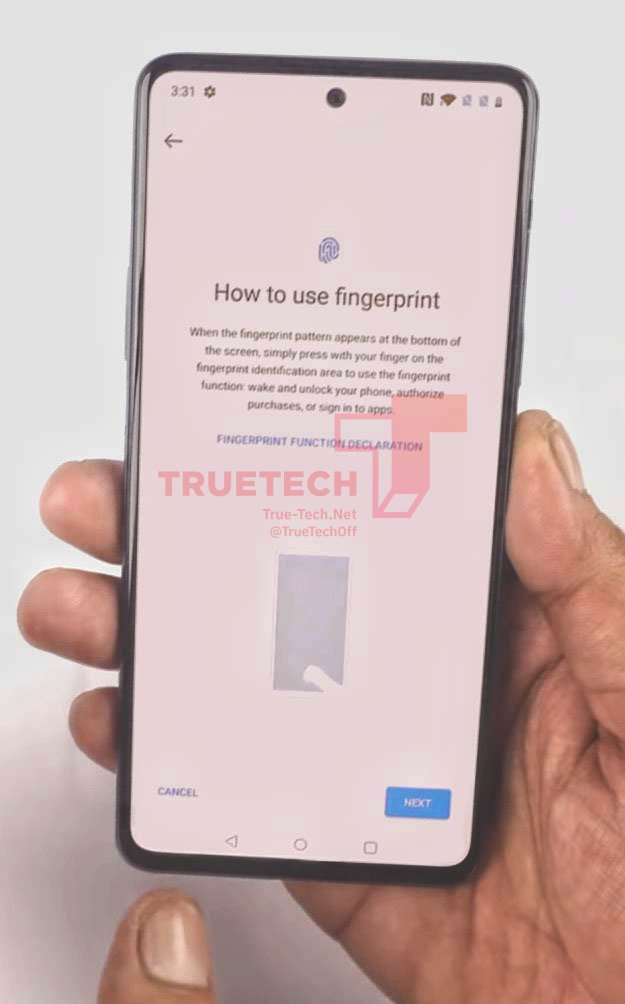
Reliable tipster @OnLeaks had claimed earlier this month that the mid-range OnePlus Z smartphone will make its global debut sometime this summer. An alleged image showing the rumored mid-ranger has now surfaced, courtesy of the folks at True-Tech. While the authenticity of the image isn't certain, it reveals a design that is in line with the leaked renders of the phone that had surfaced late last year.

The leaked image shows a flat screen with a centered hole-punch cutout, instead of the curved screens on the OnePlus 8 and 8 Pro phones with the hole-punch cutout in the top-left corner. Additionally, the image also suggests the phone will feature an in-display fingerprint sensor.

As per recent rumors, the OnePlus Z will arrive with a 6.4-inch FHD+ 90Hz AMOLED display and MediaTek's Dimensity 1000 chipset. It is expected to have a triple-camera array on the back, featuring a 48MP primary sensor. In the battery life department as well, the OnePlus Z will be less impressive than the OnePlus 8 series phones. The mid-range phone is expected to pack a 4,000mAh battery, although it might support the same Warp Charge 30T fast charging tech as the flagship OnePlus 8 and 8 Pro phones.

While OnePlus is yet to confirm the existence of the phone, leaker Max J hinted on Twitter earlier this week that it could be unveiled in July. Thanks to its mid-range specs, the phone is likely to be significantly more affordable than the OnePlus 8.

Get More OnePlus 8

OnePlus 8 & 8 Pro

OnePlus 8 from $699 {.end}) OnePlus 8 Pro from $899 {.end}